Priyo 10 Minute Mail
Priyo 10 Minute Mail is a free, web-based service that provides a temporary, disposable email address valid for just 10 minutes. It’s designed to shield your primary inbox from spam, unwanted marketing, and potential data breaches when signing up for websites, downloading files, or accessing gated content. By generating an inbox that auto-deletes, it offers a simple, no-registration-required layer of online privacy for one-time tasks.
Key Takeaways
- Ultra-Short Lifespan: The email address and all its contents are automatically and permanently deleted after 10 minutes, ensuring no long-term digital footprint.
- Zero Registration: You never create an account or provide any personal information to use the service, maximizing anonymity.
- Primary Inbox Protection: It acts as a sacrificial buffer, preventing spam and promotional emails from ever reaching your main, permanent email account.
- Instant & Simple: A new email address is generated immediately upon visiting the site, with no setup, passwords, or configurations required.
- Receive-Only Function: The service is designed solely for receiving verification emails or one-time links; you cannot send emails from a Priyo address.
- No Data Storage: The service explicitly states it does not store, log, or sell any user data or received emails after the 10-minute window closes.
- Use-Case Specific: It is highly effective for specific, low-stakes tasks but is unsuitable for any account recovery, long-term communication, or important correspondence.
📑 Table of Contents
- Introduction: The Inbox Problem and the Disposable Solution
- What Exactly is Priyo 10 Minute Mail?
- The Step-by-Step Workflow: From Visit to Vanishing
- Why Would Anyone Use This? The Compelling Benefits
- Perfect Use Cases: When to Reach for Priyo 10 Minute Mail
- The Inherent Limitations and Risks You Must Accept
- How It Stacks Up: Priyo vs. Other Temporary Mail Options
- Conclusion: A Niche Tool for a Specific Job
Introduction: The Inbox Problem and the Disposable Solution
Let’s be honest: our email addresses are a cornerstone of our online identity, and they’re constantly under siege. Every time you download a whitepaper, sign up for a forum, or try a new app, you’re asked for an email. What starts as a trickle quickly becomes a flood of newsletters, promotional offers, and, worst of all, spam. Your primary inbox, meant for family, friends, and work, gets cluttered. Worse, a data breach at that sketchy forum you signed up for can expose your main email to hackers and data brokers. This is where the clever concept of temporary email or disposable email services comes into play, and Priyo 10 Minute Mail is a prime example of this minimalist, privacy-first tool.
Imagine needing a key to open a single door, and then having that key instantly dissolve so it can never be used again. That’s the philosophy behind Priyo 10 Minute Mail. It provides you with a random, working email address for a fleeting 10-minute window. You use it to get that one verification link, you click it, and then you walk away. The address—and any potential future spam destined for it—vanishes into the digital ether. It’s not for your daily correspondence; it’s a specialized tool for a specific job: protecting your real identity from the friction and risk of the modern web. In this deep dive, we’ll explore exactly how it works, why it’s useful, its clear limitations, and how it fits into your broader digital hygiene strategy.
What Exactly is Priyo 10 Minute Mail?
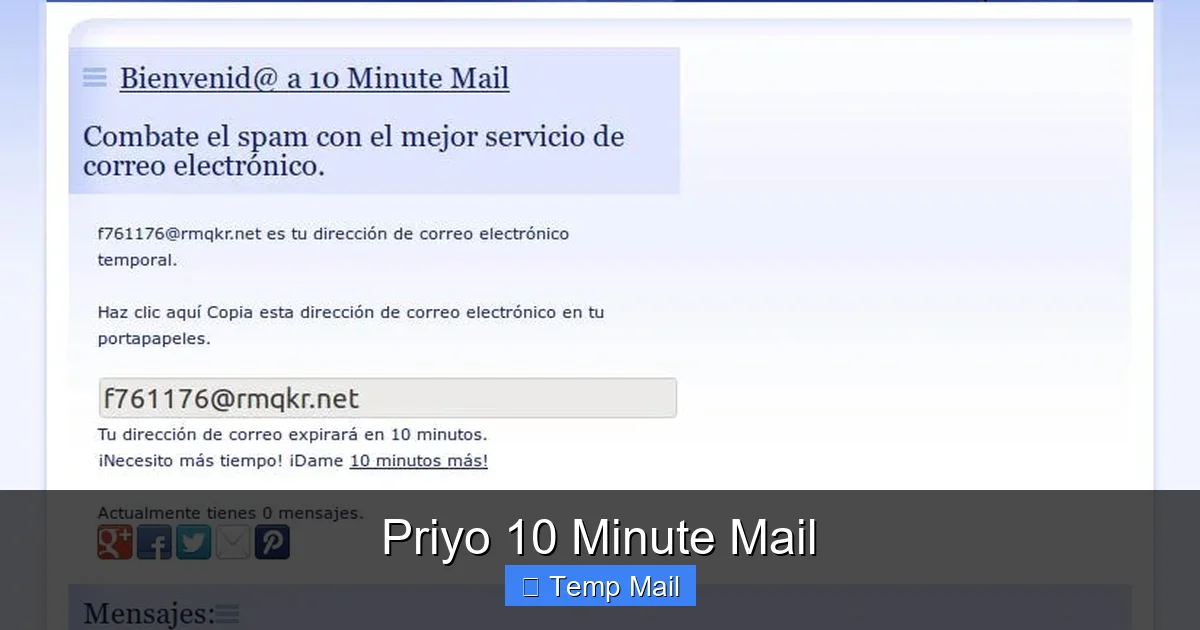
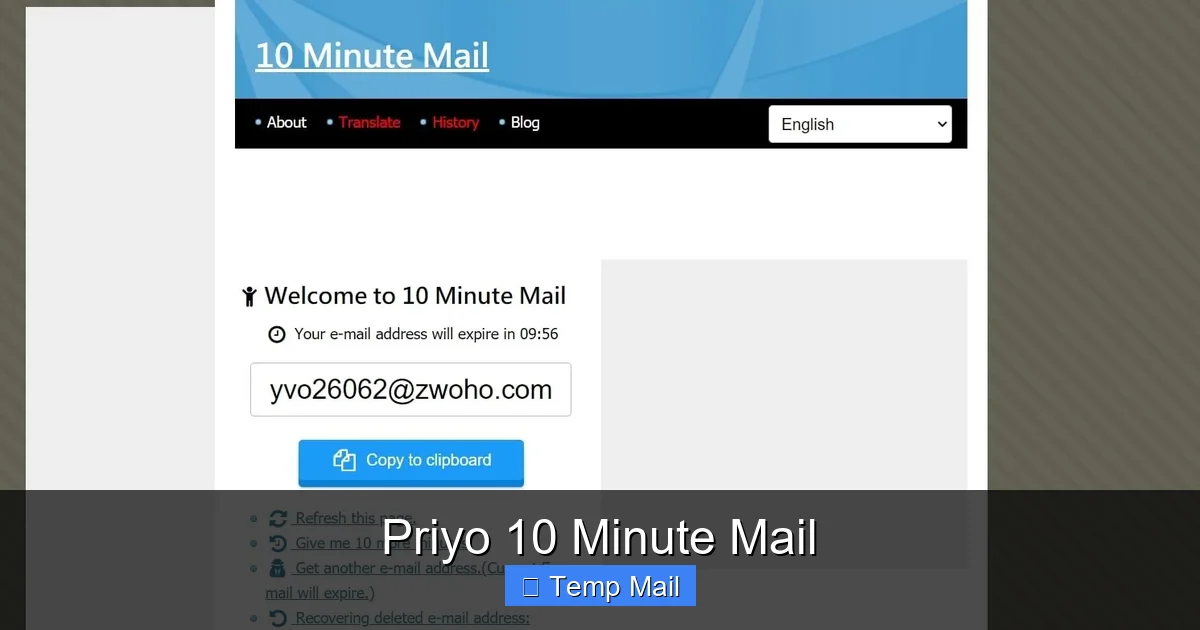
Priyo 10 Minute Mail is a web application that functions as an email address generator with a built-in, ultra-short expiration timer. When you navigate to its website (typically something like priyo10minutemail.com or a similar variant), the system instantly generates a unique email address for you, such as abc123@priyo10.com. Beside it, a countdown clock starts at 10:00 minutes and ticks relentlessly down to zero.
Visual guide about Priyo 10 Minute Mail
Image source: androidstrike.com
The Core Mechanics: How It Operates
The service runs on a simple, elegant premise. It maintains a pool of domain names (like @priyo10.com) and a system to generate random usernames. When you arrive, it assigns you a combination and creates a temporary mailbox on its servers linked to that address. This mailbox is accessible only through the unique URL or session ID associated with your visit. There is no password. There is no login. The connection between you and that inbox is ephemeral by design.
Any email sent to that address during the 10-minute window appears in the web-based inbox interface on your screen. You can open it, read its contents, and click any links or copy verification codes. However, the system is configured to automatically and irrevocably delete that entire mailbox—the address, the received emails, the session data—the moment the timer hits zero. After that, the address is recycled and may be given to a completely different user in the future. This is the fundamental difference from a regular email service: there is no persistent storage or account to recover.
The Step-by-Step Workflow: From Visit to Vanishing
Using Priyo 10 Minute Mail is intentionally straightforward, requiring no tutorials. Here is the typical user journey:
Visual guide about Priyo 10 Minute Mail
Image source: cdn.mos.cms.futurecdn.net
- Step 1: Navigate to the Site. You open your browser and go to the Priyo 10 Minute Mail homepage.
- Step 2: Receive Your Address. Immediately, a full email address is displayed prominently on the screen. A countdown timer begins. You can often copy this address to your clipboard with a single click.
- Step 3: Use the Address. You paste this temporary address into the sign-up form or field on the third-party website you are accessing. You proceed with whatever action requires email verification.
- Step 4: Check for Incoming Mail. You switch back to the Priyo tab (or keep it open). You manually refresh the inbox screen (or sometimes it auto-refreshes) to see if the verification email has arrived.
- Step 5: Act on the Email. Once the email appears, you open it and retrieve the link or code. You click the link or enter the code on the other site to complete your task.
- Step 6: The Inevitable End. You watch the countdown timer. Once it reaches zero, the page will typically refresh or display a message indicating the inbox has expired. At this point, the email address is dead. If you try to use it again later, it will not work.
This entire process is designed to take less than 10 minutes for most use cases. The 10-minute limit is a deliberate constraint to enforce the “use it and lose it” mentality, preventing users from relying on it for anything more substantial.
Why Would Anyone Use This? The Compelling Benefits
The utility of a tool like Priyo 10 Minute Mail becomes immediately apparent when you consider the alternatives. Its value is in solving specific, common annoyances of the online experience.
Visual guide about Priyo 10 Minute Mail
Image source: 10-minutemail.com
Benefit 1: Unyielding Spam Prevention
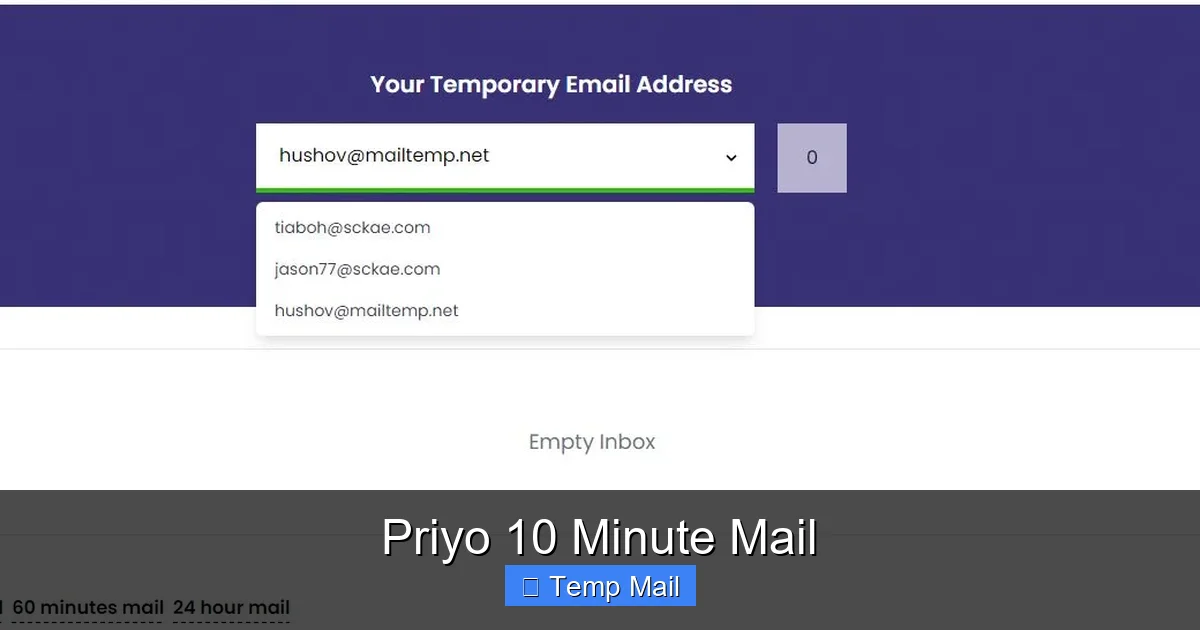
This is the number one reason people seek out disposable email. That free e-book you want? The online contest? The forum you’ll maybe post on once? By using your Priyo address, you ensure any follow-up marketing emails, newsletters, or spam harvested from that site’s database are sent to an address that will cease to exist in 10 minutes. They bounce or get discarded automatically. Your primary inbox remains pristine. It creates a firewall against inbox pollution.
Benefit 2: Enhanced Privacy and Reduced Data Footprint
Every website you sign up for becomes a potential data point in your digital profile. Your email address is a primary key for linking your activity across sites. Using a disposable address for low-stakes sign-ups means that particular account cannot be easily linked back to your main identity. In an era of data breaches and aggressive tracking, minimizing the number of sites that have your permanent email is a simple but powerful privacy tactic. Priyo helps you compartmentalize your online life.
Benefit 3: Bypassing Registration Walls (Ethically)
Many useful resources—articles, research papers, software tools—are hidden behind a “register with your email” wall. Often, you just want to read the article or download the tool once. Using your real email for this feels like a high price to pay, as it often opts you into a newsletter you don’t want. A Priyo 10 Minute Mail address lets you respectfully bypass this friction for content you genuinely need, without committing to a long-term relationship with the publisher’s marketing department.
Benefit 4: No Commitment, No Hassle
There is no “forgot password” flow because there is no password. There is no account to delete later. There is no unsubscribe link to hunt for in a months-old newsletter. The entire lifecycle is managed for you. It’s the ultimate no-strings-attached solution. You don’t have to remember anything or take any cleanup action later.
Perfect Use Cases: When to Reach for Priyo 10 Minute Mail
Understanding when to use this tool is as important as knowing how. It shines in specific scenarios but is completely inappropriate for others.
Ideal Scenarios: The “One-and-Done” Web
- Downloading Free Resources: E-books, templates, stock photos, or software that require an email for download link delivery.
- Accessing Gated Content: Reading a single article on a news site or viewing a research study that blocks access behind an email form.
- Testing Website Sign-Ups: If you’re a developer or tester needing to quickly verify an email-based registration flow without using a real inbox.
- Creating a Test Account: Signing up for a new service you’re skeptical about or want to poke around in before committing with your main email.
- Avoiding Spam from One-Time Purchases: Buying something from a lesser-known online store where you fear your email might be sold to mailing lists.
- Registering for Online Contests or Giveaways: These are notorious for generating spam. Using a disposable address lets you participate without long-term repercussions.
Absolute No-Nos: What NOT to Do
Never, ever use Priyo 10 Minute Mail for:
- Account Recovery: Forgetting your password for your bank, social media, or primary email account. The recovery email will vanish before you can use it, locking you out forever.
- Important Subscriptions: Bills, bank statements, official government correspondence, or any communication you are legally required to receive and keep.
- Professional or Academic Communication: Any email with colleagues, professors, clients, or potential employers.
- Long-Term Services: Signing up for Netflix, Amazon, your cloud storage, or any service you intend to use for months or years.
- Anything with Legal or Financial Consequences: Agreements, contracts, or financial account setups.
The golden rule: if you might need to access the email sent to that address more than 10 minutes from now, do not use a disposable email service.
The Inherent Limitations and Risks You Must Accept
While powerful for its intended purpose, Priyo 10 Minute Mail is not a magic bullet. It comes with significant, built-in limitations that define its use case.
1. The 10-Minute Tyranny
The 10-minute limit is both its feature and its greatest flaw. If the verification email from the site you’re signing up for is delayed—due to server issues, email queue delays, or your own slow internet—you might not receive it in time. The inbox will vanish, and you’ll be unable to complete your sign-up. You have to be ready to act quickly. For sites that send emails instantly, it’s fine. For those with delays, it’s a gamble.
2. The “Send” Functionality Void
These addresses are strictly for receiving. You cannot compose an email from your @priyo10.com address. You cannot reply to the verification email. This is by design—it prevents the service from being used for spam or fraud—but it means you can only use it for systems where you provide the email and they send you something. You cannot use it for any back-and-forth communication.
3. Security and Privacy Caveats
While it protects your *real* email, the temporary inbox itself is not a secure communication channel. The email is transmitted normally over the internet. Anyone with access to your computer while the Priyo tab is open could see the inbox. More importantly, the service provider theoretically could log or monitor the emails that pass through their servers during those 10 minutes, though reputable services claim not to. You should never use it for sensitive personal information (like passwords or ID numbers) within the email body itself, even if it’s just a verification link. The privacy benefit is in hiding your identity from the *recipient* website, not from the temporary mail service operator.
4. The Blacklist Reality
Some websites are wise to disposable email domains and actively block them. They maintain lists of known temporary mail domains and will refuse to accept an address from @priyo10.com or similar. If you encounter this, you’ll need to either use a different disposable service (if they use a different domain) or bite the bullet and use your real email. This is a constant cat-and-mouse game between temp mail providers and sites trying to prevent abuse.
How It Stacks Up: Priyo vs. Other Temporary Mail Options
Priyo 10 Minute Mail is one player in a crowded field. Understanding its position helps you choose the right tool.
The “10-Minute” Niche
Services like 10MinuteMail.com or Guerrilla Mail (which offers variable time limits) are direct competitors. The core value proposition is similar: instant, no-login, disposable addresses. Differences often lie in the user interface, the specific domains used (which affects blacklist rates), and the exact timer duration. Some offer 10 minutes, some 15, some an hour. Priyo’s specific branding and domain set may be less or more frequently blacklisted than others, making it a matter of trial and error for your specific target sites.
vs. “Longer-Term” Disposable Services
There are other services like Temp-Mail.org or Mailinator that offer inboxes that last for hours or even days without a login. These are more flexible but also more prone to abuse and thus more heavily blacklisted. The 10-minute extreme of Priyo can sometimes slip through blacklists that target the longer-lasting services, but it also carries the risk of the email not arriving in time. It’s a trade-off between convenience and stealth.
vs. Creating Your Own “Disposable” Address
Some tech-savvy users create their own “disposable” addresses by setting up aliases with their main email provider (like Gmail’s “+” trick: youremail+shopping@gmail.com) or using a dedicated secondary email account. This gives them more control and longevity but requires initial setup and management. Priyo 10 Minute Mail wins on sheer immediacy and zero setup. It’s the path of least resistance for a one-off, anonymous task.
Conclusion: A Niche Tool for a Specific Job
Priyo 10 Minute Mail is not meant to replace your primary email. It is not a comprehensive email solution. Instead, it is a highly specialized instrument for digital hygiene, a tactical tool you pull from your utility belt for specific, low-stakes missions on the web. Its brilliance lies in its brutal simplicity and enforced transience. By accepting that the address and its contents will vanish in 600 seconds, you are granted a powerful shield against the relentless encroachment of spam and the unwanted aggregation of your personal data.
Use it wisely and sparingly. Deploy it when you need a key that melts after one use. Keep your permanent email address sacred, reserved for your real identity—your friends, your family, your finances, your career. Let Priyo 10 Minute Mail handle the digital clutter, the one-time sign-ups, and the questionable corners of the internet. In doing so, you take a small but meaningful step toward reclaiming control of your online presence, one vanishing inbox at a time. It’s a reminder that sometimes, the most powerful tool is the one that promises to do nothing and then disappear.
Frequently Asked Questions
Is Priyo 10 Minute Mail safe and private to use?
For its intended purpose—receiving a single verification email—it is generally safe from a privacy perspective for the user, as it hides your real email from the website you’re signing up with. However, the service itself could theoretically view emails passing through its servers during the 10-minute window. Never send sensitive personal data (passwords, SSNs, credit card numbers) in an email to a disposable address.
What happens after the 10 minutes are up?
The entire temporary inbox, including the email address and all received messages, is automatically and permanently deleted from Priyo’s servers. The address is then recycled and may be assigned to a completely different user in the future. There is no way to recover the inbox or any emails after the timer expires.
Can I send emails from my Priyo 10 Minute Mail address?
No. The service is strictly for receiving emails. You cannot compose, reply to, or forward emails from the temporary address. It is designed solely as a one-way channel for websites to send you a verification link or code.
Is using a disposable email like Priyo against the rules of websites?
Many websites’ Terms of Service prohibit the use of disposable email addresses, as they can be used to create spam, fake accounts, or abuse free trials. Using one may violate their policies and could result in your account being banned if detected. It’s a risk you assume for the sake of privacy.
Can I use Priyo 10 Minute Mail on my mobile phone?
Yes. The service is web-based, so you can access it through any mobile browser (Chrome, Safari, etc.) on your smartphone or tablet. The workflow is identical: visit the site, get the address, switch to the app or site you’re signing up for, and refresh the Priyo tab to check for mail.
Does Priyo store any of my data or the emails I receive?
The service is designed not to store data persistently. According to its operational model, received emails exist only in the temporary mailbox for the 10-minute duration and are purged upon expiration. However, you should always review the service’s own privacy policy for the most definitive statement on data logging and retention practices.