Free Temp Mail
Free temp mail services provide instant, disposable email addresses that shield your primary inbox from spam, scams, and data breaches. They are perfect for one-time sign-ups, downloading files, or testing websites without long-term commitment. By using a temporary address, you maintain privacy and keep your personal email clutter-free and secure.
Have you ever hesitated to sign up for a free online course, download a useful template, or register on a forum because you didn’t want to clog your primary email with more promotional newsletters? Or maybe you’ve been burned before, giving your email to a sketchy site and then drowning in spam for months. If this sounds familiar, you’re not alone. Millions of people worldwide are turning to a simple, powerful tool to take back control of their digital privacy: free temp mail.
Think of it as a digital throwaway phone booth. You step inside, get a temporary, anonymous email address, use it for a single purpose, and then walk away without a trace. It’s not about being secretive; it’s about being smart. In an age where your email address is often the first key to your online identity, using it indiscriminately is like giving out your home address to every stranger you meet. Free temp mail services provide a crucial layer of separation between your real self and the vast, sometimes messy, internet. This guide will walk you through everything you need to know—from exactly how these services work to the best ways to use them safely and effectively.
Key Takeaways
- Privacy Shield: Temp mail acts as a protective barrier, preventing websites and services from accessing your real email address and personal information.
- Spam Fighter: It’s the most effective tool to combat unwanted promotional emails and potential phishing attempts by containing them to a disposable inbox.
- No Commitment: These services require no registration, password, or personal details, offering complete anonymity for short-term communication needs.
- Use-Case Specific: Ideal for forum registrations, software trials, accessing gated content, and verifying accounts you won’t use long-term.
- Not for Important Accounts: Never use temp mail for critical accounts like banking, primary social media, or any service requiring password recovery.
- Inbox Lifespan Varies: Temporary emails typically expire after a set period (e.g., 10 minutes to 24 hours) or when the browser tab is closed.
- Choose Reputable Providers: Opt for established free temp mail services with clear privacy policies and no hidden data-selling practices.
📑 Table of Contents
- What Exactly is Free Temp Mail?
- How Free Temp Mail Services Work: A Step-by-Step Breakdown
- Top 5 Practical Use Cases for Free Temp Mail
- How to Choose the Right Free Temp Mail Provider
- Security & Privacy Considerations: What Are the Risks?
- The Future of Disposable Email and Digital Privacy
- Conclusion: Using Free Temp Mail Wisely
What Exactly is Free Temp Mail?
Let’s start with the basics. “Temp mail” is short for temporary mail, also commonly called disposable email or throwaway email. It’s a service that provides you with a working, functional email address for a very short period—usually anywhere from 10 minutes to 48 hours—without requiring any personal information, registration, or password.
The Core Principle: Ephemeral Communication
The fundamental idea is ephemerality. The inbox and the address itself are designed to be short-lived. Once the time limit is up, or you manually delete it, the address, all received emails, and any data associated with it are permanently purged from the provider’s servers. It simply ceases to exist. This is the key difference from your Gmail, Outlook, or Yahoo account, which are permanent, persistent identities tied to you.
How It Differs from Your Regular Email
Your primary email is your digital home base. It’s linked to your bank accounts, social media, work, and personal contacts. Losing access to it is catastrophic. A temp mail address, by contrast, has no such ties. There’s no “forgot password” link that matters because there’s no password to forget. It’s a tool for a single job, not a lifelong identity. This lack of persistence is its greatest strength for privacy and its greatest weakness for anything requiring longevity.
How Free Temp Mail Services Work: A Step-by-Step Breakdown
The magic of temp mail is its simplicity. The entire process, from getting an address to receiving an email, happens in seconds and requires zero effort from you beyond clicking a button. Here’s the behind-the-scenes look.
Visual guide about Free Temp Mail
Image source: mailslurp.com
1. Automatic Address Generation
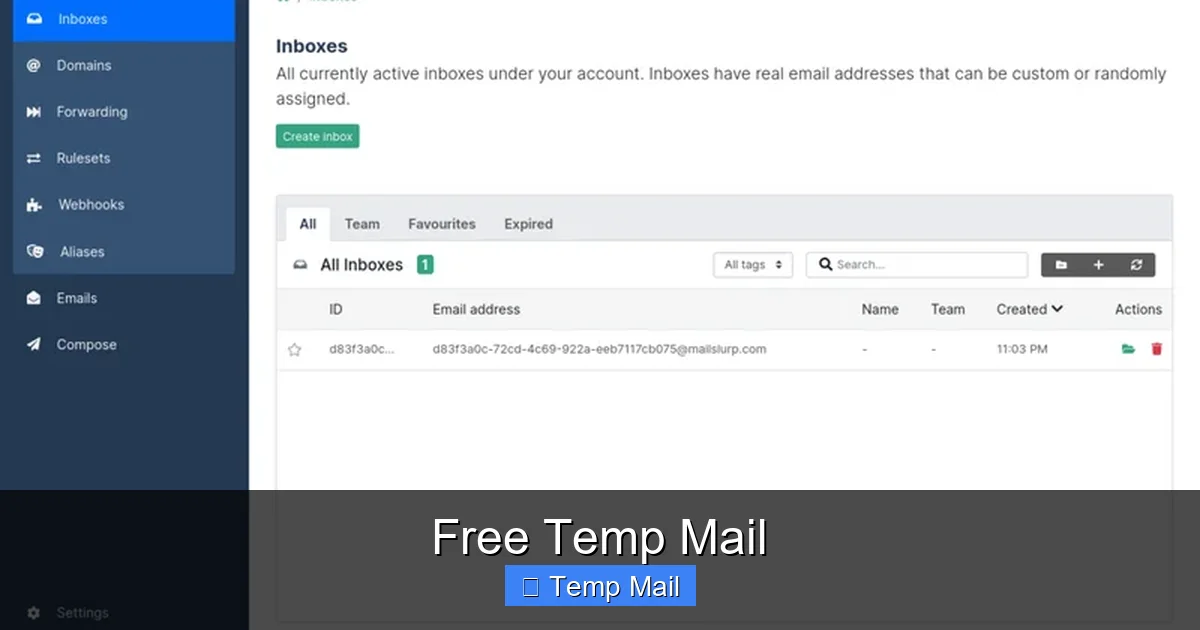
When you visit a free temp mail website like Temp-Mail.org, 10MinuteMail.com, or Guerrilla Mail, the system instantly generates a random email address for you. This address is typically a jumble of letters and numbers paired with the service’s domain (e.g., xyz123@temp-mail.org). You don’t choose it; it’s created on the fly and assigned to your unique browser session.
2. The Public Inbox Mechanism
This is the clever part. Your temporary inbox isn’t protected by a password. Instead, it’s linked to that specific, randomly generated address. Anyone who knows that exact address can view the inbox. The website’s interface simply provides you with a “view inbox” button that, when clicked, checks the server for any emails sent to that specific address and displays them to you. It’s like a public locker with a very specific, hard-to-guess number.
3. Receiving and Viewing Emails
When you use your temp address to sign up for a service, that service sends a verification email to your disposable address. The temp mail provider’s server receives it, stores it temporarily, and makes it available in the public inbox linked to your address. You stay on the temp mail website, and the inbox auto-refreshes or you manually refresh to see the new email arrive. You can then open it, click any verification links (though caution is advised), and complete your task.
4. Automatic Deletion
A countdown timer is always running on the service’s page. Once that timer hits zero—say, after 10 minutes or 1 hour—the entire address, its inbox, and all contained emails are automatically deleted from the system. If you close your browser tab, many services will also release that address, making it available for someone else to generate later. Your digital footprint for that interaction vanishes.
Top 5 Practical Use Cases for Free Temp Mail
Knowing *how* it works is one thing; knowing *when* to use it is where the real value lies. Here are the most common and effective scenarios where a free temp mail is not just helpful, but essential.
Visual guide about Free Temp Mail
Image source: addons.mozilla.org
1. Dodging Spam from One-Time Sign-Ups
This is the #1 use case. You want to download a free ebook, access a research paper, or get a discount code from a blog. The site demands an email address. Using your primary email guarantees you’ll be added to their marketing list. Using a temp mail lets you get the download link, complete the task, and walk away. The promotional emails will go to the disposable inbox, which expires and takes the spam with it.
2. Creating Test Accounts for Software or Services
Are you a developer testing a new app’s email flow? A marketer wanting to see how a competitor’s newsletter looks? A regular user wanting to try a premium feature without commitment? A temp mail is perfect. You can create a test account, explore the service, and abandon it without leaving a trace or using a real identity.
3. Bypassing Website Registration Walls
Many useful websites hide their content behind an email gate. “Enter your email to read this article.” Instead of compromising your main inbox, use a temp address. You get the content, and the website gets an address that will bounce in an hour. It’s a fair exchange for access to free information.
4. Protecting Your Identity on Untrusted Platforms
This is a critical security practice. If you’re signing up on a new, unknown forum, a sketchy-looking survey site, or a platform with a poor privacy reputation, using your real email is a risk. A data breach at that site could leak your email, linking it to that platform and potentially to other accounts if you reuse passwords. A temp mail isolates that risk completely.
5. Avoiding Unwanted “Account Recovery” Emails
Ever signed up for a service, forgot about it, and then months later get an email saying, “We miss you! Come back!”? These automated re-engagement campaigns can be persistent. If you used a temp mail, that email simply never arrives at your primary inbox. The service has no way to re-contact you, which is often a feature, not a bug.
How to Choose the Right Free Temp Mail Provider
Not all temp mail services are created equal. While they all share the core function, differences in usability, domain options, and security practices exist. Here’s what to look for.
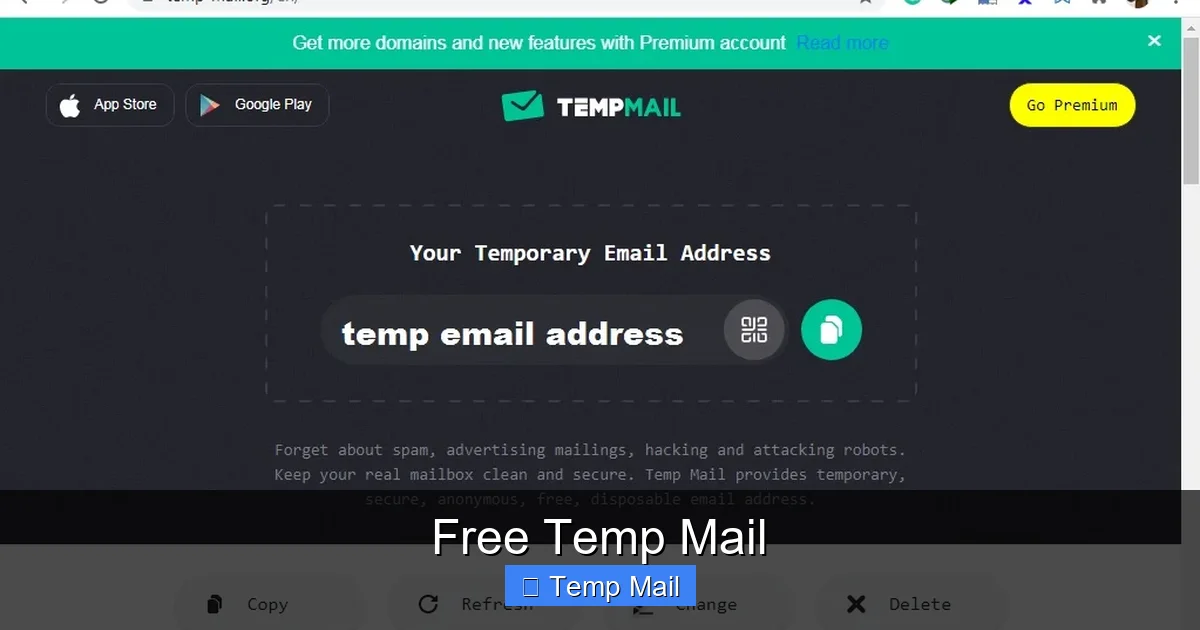
Visual guide about Free Temp Mail
Image source: lunarcomputercollege.com
Key Features to Evaluate
- Inbox Lifespan: Does it offer 10-minute, 1-hour, or 24-hour retention? Choose based on your task. A quick verification needs only 10 minutes; downloading a large file might need a few hours.
- Domain Variety: Some providers offer multiple domain names (e.g., @mailinator.com, @guerrillamail.com). This can be useful if a specific site blocks known temp mail domains.
- Browser-Based vs. App: Most are web-based. Some offer browser extensions or mobile apps for quicker access. Consider your workflow.
- Email Sending Capability: Can you *reply* to emails or *send* new ones from the temp address? Most free services only allow receiving, which is sufficient for 90% of use cases.
- No Captcha or Minimal Friction: The best services give you an inbox immediately. Avoid those that bombard you with captchas or aggressive ads before showing your inbox.
Red Flags to Avoid
Steer clear of services that:
- Require you to create an account or provide any personal info to get an address.
- Have unclear privacy policies that suggest they log IP addresses or sell data.
- Are notoriously slow or have unreliable inbox refreshing.
- Are consistently blocked by major platforms (like Google or Facebook) during sign-up, indicating poor domain reputation.
Popular & Reputable Providers (As of 2024)
Services like Temp-Mail, Guerrilla Mail, 10MinuteMail, and Maildrop have established track records for reliability and basic privacy. They are excellent starting points for most users. Always visit the site directly to understand its current interface and terms.
Security & Privacy Considerations: What Are the Risks?
While incredibly useful, free temp mail is not a magic bullet. It’s crucial to understand its limitations and the associated risks to use it safely.
The Public Inbox Reality
Remember, your inbox is public. Anyone who guesses or stumbles upon your exact temporary address can read the emails in it. This is fine for a verification link, but it means you should never use temp mail for anything containing sensitive personal information, passwords, or confidential data. The service is not designed for private correspondence.
Provider Logging and Data Practices
Reputable providers claim not to log IP addresses or link sessions to users. However, the service is free, so consider the business model. Some less-scrupulous providers might log data, show invasive ads, or even sell aggregated usage statistics. Always use providers with transparent, concise privacy policies that state they do not collect personal data.
Blocking by Major Platforms
Many large tech companies (Google, Microsoft, Facebook, Twitter/X) actively maintain and update lists of known disposable email domains and block them during sign-up. If you try to use a temp mail address with these platforms, you will likely be rejected. This is by design—they want to reduce spam and fake accounts. Accept this as a limitation; temp mail is for smaller sites and services, not for creating your main Gmail account.
The “Abandonment” Problem
If a service you signed up for with a temp mail later needs to contact you about a critical update, a security issue, or a billing problem, you will never receive that communication. This can lead to service disruption, loss of access to purchased items (if you used a temp mail for a receipt), or missed important notices. This reinforces the rule: only use temp mail for things you don’t care about long-term.
The Future of Disposable Email and Digital Privacy
The concept of temporary communication is evolving. As data privacy becomes a greater global concern, the tools to manage our digital footprints are becoming more sophisticated.
Integration with Privacy-Focused Browsers and Tools
We are seeing tighter integration. Browser extensions can now automatically detect email fields on websites and offer to generate a disposable alias on the fly, copying it to your clipboard. Password managers like Bitwarden and 1Password are beginning to incorporate email alias generation features, creating unique, forwardable email addresses that route to your real inbox but can be disabled with one click. This is the next evolution: not just a separate website, but a seamless layer built into your browsing experience.
The Arms Race: Blocks vs. New Domains
As platforms get better at blocking disposable domains, temp mail providers respond by registering new domains constantly. It’s a cat-and-mouse game. For the average user, this means the list of “working” temp mail services is fluid. A domain that works today might be blocked by Google tomorrow. This constant churn is why relying on a single provider long-term is not advisable; have a couple in your bookmarks.
A Shift Towards “Alias” Services
There is a growing trend from pure “disposable” to “managed alias” services like SimpleLogin or AnonAddy (now part of Proton). These create unique email aliases (e.g., github@youralias.simplelogin.co) that forward to your real inbox. You can delete the alias at any time, stopping all emails from that source. This offers the privacy benefit of temp mail but with the convenience of having all emails land in your primary, secure inbox. They often have free tiers with limited aliases. This represents a more sustainable, user-controlled approach to email privacy.
Conclusion: Using Free Temp Mail Wisely
Free temp mail is an indispensable tool in the modern digital toolkit. It’s the Swiss Army knife for email privacy, offering a quick, anonymous, and commitment-free way to interact with the parts of the web you don’t trust or don’t want to hear from again. Its power lies in its simplicity and its impermanence. By consciously using a disposable address for low-stakes interactions, you erect a fortress around your primary email account, drastically reducing spam, minimizing data breach exposure, and decluttering your digital life.
However, its strength is also its weakness. That same impermanence makes it utterly unsuitable for any account of value—your bank, your main social profiles, your work communications. The public nature of the inbox means it’s a transparent box, not a locked safe. The key is discernment. Use temp mail strategically and sparingly for its intended purpose: as a buffer between you and the unwanted noise of the internet. For everything else, rely on your secure, password-protected, and carefully managed primary email. By understanding this balance, you can browse, sign up, and download with confidence, knowing your real identity remains yours and yours alone.
Frequently Asked Questions
Is using free temp mail legal?
Yes, using free temp mail is completely legal in virtually all jurisdictions. It is a standard privacy tool, much like using a VPN or incognito mode. The legality only becomes an issue if the temporary address is used for illegal activities like fraud or harassment, which applies to any communication tool.
Is temp mail safe from hackers?
It is safe in a specific context. The temporary inbox is public to anyone with the address, so you should never send sensitive data like passwords, credit card numbers, or personal identification through it. Its safety comes from isolation—hacking your temp mail inbox gives a hacker nothing of value and no link to your real identity.
How long do temporary emails last?
The lifespan varies by provider, typically ranging from 10 minutes to 48 hours. Common durations are 10 minutes, 1 hour, and 24 hours. The countdown is always displayed on the service’s page. Once the timer expires, the address and all its emails are permanently deleted.
Can I send emails from a temp mail address?
Most free temp mail services are receive-only. They are designed for you to get a verification link or download file, not to engage in conversation. A few providers may offer limited reply functionality, but you should not rely on it. For sending, use your regular, secure email.
What happens if I need to recover an account I made with temp mail?
You cannot. Since there is no password recovery mechanism tied to a disposable address, you will be unable to reset the password or receive recovery emails for that account. The account will be permanently lost. This is why you must only use temp mail for services you have zero intention of keeping.
What’s the difference between temp mail and an email alias service?
Temp mail creates a completely separate, public, and short-lived inbox. An email alias service (like SimpleLogin) creates a unique forwarding address that sends all mail to your permanent, private inbox. You can disable the alias later to stop emails, but the emails themselves are stored securely in your main account. Aliases offer more convenience and security for long-term management, while temp mail is for one-off, anonymous interactions.