Temporary Email Auto Delete
Temporary email auto delete is a core privacy feature that automatically erases emails and inboxes after a set time. This eliminates digital clutter and protects your primary email from spam, data breaches, and unwanted tracking. By using a disposable address that self-destructs, you gain complete control over your online footprint, making it essential for signing up to untrusted sites, downloading content, or any one-time interaction where you don’t want a lasting trail.
Key Takeaways
- Automatic Cleanup: Emails and the inbox itself vanish without manual action, ensuring zero residual data.
- Primary Email Shield: It acts as a powerful buffer, preventing spam and phishing attempts from ever reaching your main account.
- Enhanced Privacy & Security: Reduces your digital footprint and risk from data breaches by limiting the lifespan of your disposable address.
- No Maintenance Required: The system handles deletion, saving you time and effort compared to manually filtering a primary inbox.
- Use Case Specific: Perfect for one-time sign-ups, forum registrations, content downloads, and any scenario requiring a contact point without commitment.
- Service Variability: Auto-delete timers differ by provider (e.g., 10 minutes to 48 hours), so choose based on your needed timeframe.
📑 Table of Contents
- What is Temporary Email Auto Delete?
- How Does Auto Delete Technology Work?
- Top Benefits of Automatic Deletion
- Real-World Use Cases and Examples
- Choosing the Right Temporary Email Service
- Best Practices for Safe and Effective Use
- The Future of Ephemeral Communication
- Conclusion: Embracing Controlled Digital Decay
What is Temporary Email Auto Delete?
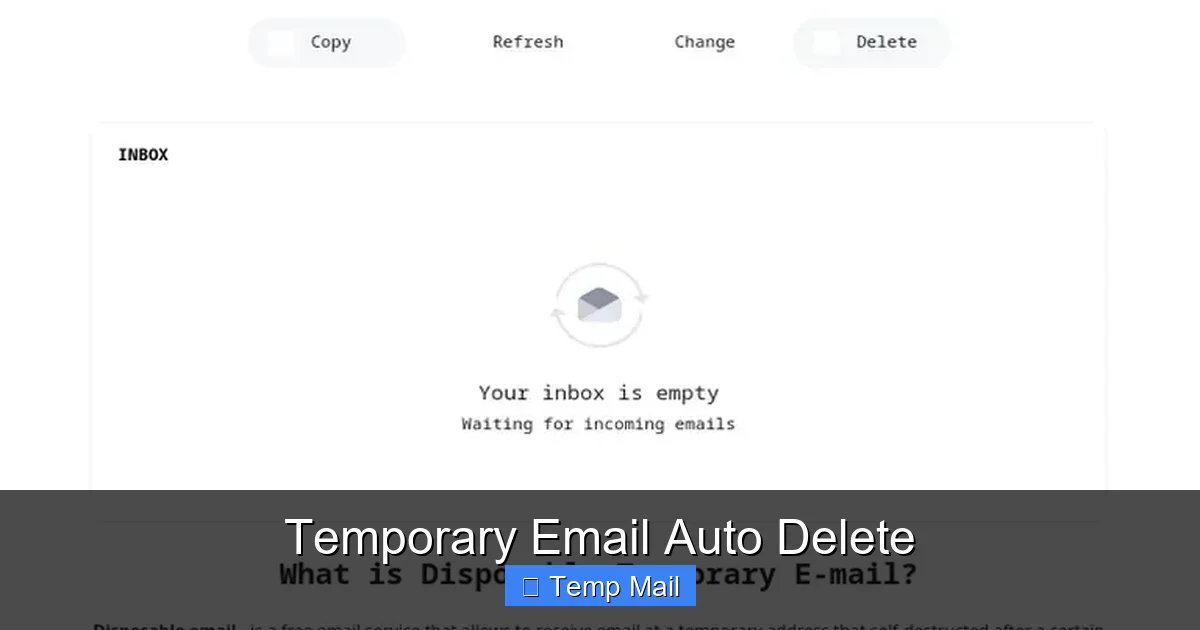
Imagine an email address that works perfectly for a single task—like grabbing a free ebook or signing up for a webinar—and then simply… vanishes. No trace. No lingering messages. That’s the essence of temporary email auto delete. It’s not just a disposable email; it’s a disposable email with a built-in self-destruct timer. This feature automatically purges all received messages and often the entire inbox address itself after a predetermined period, which can range from a few minutes to several days.
Think of it as a digital shredder for your correspondence. You use the temporary address as a shield, and once its job is done, the system ensures that address and all its contents are irretrievably erased from the server. This automation is what transforms a simple temporary inbox from a handy tool into a powerful privacy and security instrument. You don’t have to remember to log in and clean up; the cleanup happens on a schedule you (or the service) set.
The Evolution from Manual to Automatic
Early disposable email services often required users to manually click a “delete” button to clear their inbox. This created a risk of forgetting and leaving data exposed. The introduction of auto-delete functionality was a game-changer. It embedded the principle of ephemerality directly into the service’s architecture. Now, the default state of a temporary inbox is “temporary,” enforced by code that triggers deletion the moment the timer expires. This shift reflects a growing user demand for “set-and-forget” privacy solutions in an era of constant data harvesting.
How Does Auto Delete Technology Work?
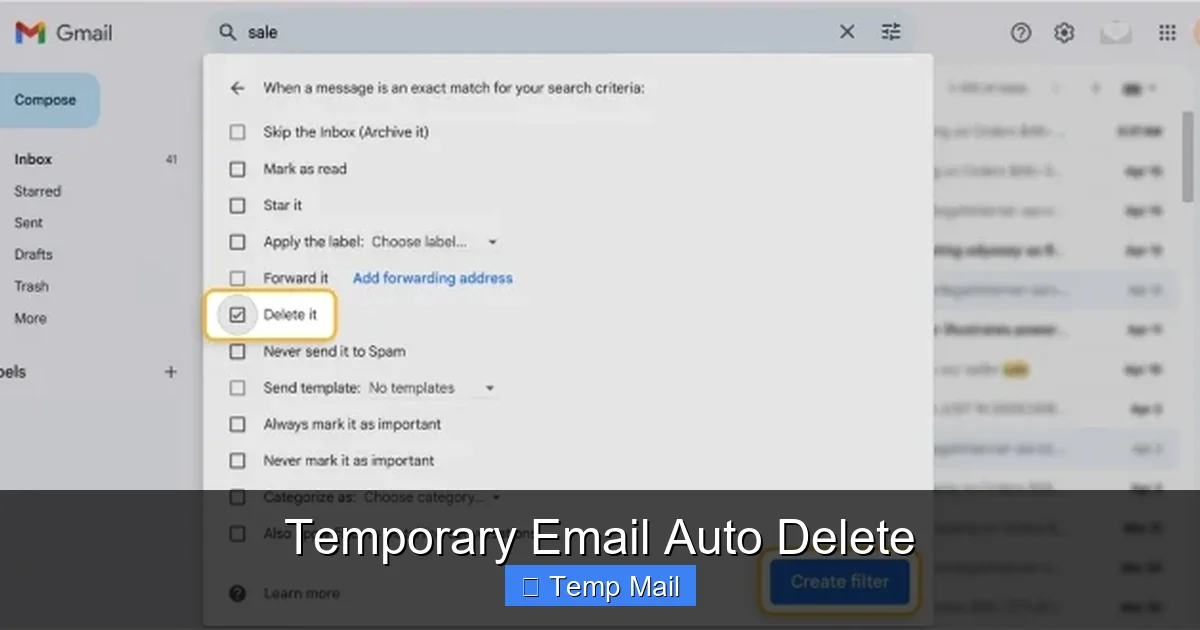
The magic behind temporary email auto delete is a combination of straightforward scheduling and robust data management. When you generate a temporary address from a service like TempMail.org, Guerrilla Mail, or 10MinuteMail, the server assigns it a lifespan. This lifespan is a core attribute of that specific inbox session.
Visual guide about Temporary Email Auto Delete
Image source: clean.email
Behind the Scenes: Timers and Database Purges
1. Inbox Creation with TTL: “TTL” stands for “Time To Live.” When your temporary inbox is created, the system’s database records not just the email address and incoming messages, but also an expiration timestamp. This could be 10 minutes, 1 hour, or 24 hours from creation or last activity.
2. Cron Jobs and Scheduled Tasks: The service runs automated background processes (often called cron jobs) that run every few minutes. These tasks scan the database for any inboxes where the current time has surpassed the stored expiration timestamp.
3. Irreversible Deletion: Once identified, the system executes a permanent delete command on that inbox’s data row and all associated email records. This isn’t moving to a trash folder; it’s a hard deletion from the server’s storage, making recovery impossible even for the service provider.
4. Address Recycling: After deletion, the email address may be retired permanently or, more commonly, placed back into a pool of available addresses to be randomly assigned to a new user in the future. This recycling is what makes the service sustainable.
Top Benefits of Automatic Deletion
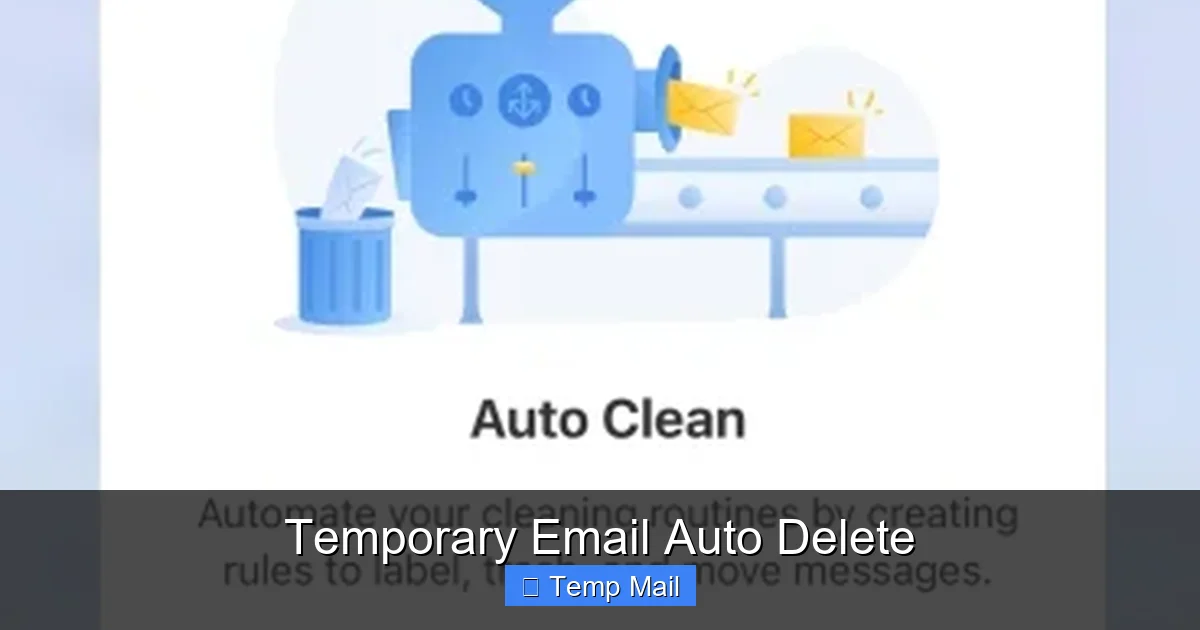
Choosing a service with robust auto-delete capabilities isn’t just a feature check-box; it’s a fundamental step in managing your digital hygiene. The benefits cascade from immediate convenience to long-term security.
Visual guide about Temporary Email Auto Delete
Image source: clean.email
1. Unmatched Inbox Zero and Mental Clarity
Your primary email is already a torrent of newsletters, receipts, and work messages. Adding sign-up confirmations from a dozen questionable websites creates noise. Temporary email auto delete guarantees that these one-off messages never contribute to that noise. You achieve true “Inbox Zero” for your main account because the disposable emails physically cannot linger. This reduces the cognitive load of managing multiple accounts and the anxiety of what might be hiding in a forgotten corner of your inbox.
2. Fort Knox-Level Protection Against Data Breaches
When you use your real email for a site that later suffers a data breach, your address is now in a hacker’s hands. This leads to targeted phishing, credential stuffing attacks on your other accounts, and spam. With an auto-deleting temporary address, even if the service you signed up for is breached, the email address you used will have self-destructed weeks or months prior. The hacker gets a dead end—a nonexistent address—protecting your primary identity and associated accounts.
3. Elimination of Spam and Unwanted Tracking
Many websites and apps use your email as a primary tracking identifier across the web. By providing a disposable address that auto-deletes, you break that tracking chain almost immediately. The moment the inbox expires, any future marketing emails sent to that address bounce back as undeliverable. You’ve effectively unsubscribed by making the subscription address obsolete. This is a proactive, technical form of unsubscribing that is 100% effective.
4. Simplified Compliance with “Right to be Forgotten”
While not a legal tool itself, auto-delete aligns perfectly with privacy regulations like GDPR. You are proactively ensuring your data (the email and its contents) is deleted by design. You don’t need to send a formal request to a company to remove your contact info; you’ve already made that contact info vanish from your own side, minimizing the data trail you leave behind.
Real-World Use Cases and Examples
Understanding the theory is one thing; seeing it in action is another. Here are concrete, everyday scenarios where temporary email auto delete shines.
Visual guide about Temporary Email Auto Delete
Image source: mashtips.com
Case 1: The “Free Resource” Download
Situation: You find a great whitepaper or template on a blog. To download it, you must enter your email. You suspect this will sign you up for a relentless newsletter.
Solution: Generate a temporary email with a 1-hour auto-delete timer. Download the file. The welcome email arrives in the temp inbox. You get your resource. One hour later, the inbox and the confirmation email are gone. The company’s CRM has a dead email address. No newsletters ever reach you. Your primary inbox is untouched.
Case 2: One-Time Forum or Comment Section Registration
Situation: You want to post a single comment on a news site or forum to contribute to a discussion. Creating a permanent account feels like overkill and invites future spam.
Solution: Use a 24-hour temporary address. Register, post your comment, and never return. The account becomes inaccessible after the address expires, but your comment remains (if the site allows guest comments). You’ve participated without building a persistent digital profile on that specific site.
Case 3: App or Service Trial Sign-Ups
Situation: You want to test a SaaS tool’s free trial. The sign-up requires email verification. You have no intention of becoming a paying customer and don’t want follow-up sales emails.
Solution: Use a temporary address with a 48-hour timer (long enough to receive the verification link and explore the trial). Complete the trial. Once the timer expires, any “your trial is ending” or “upgrade now” emails bounce. The vendor cannot contact you at that address again. This is especially useful for trials that require a credit card upfront, as it adds a layer of separation between your payment method and your primary communication channel.
Case 4: Avoiding “Account Already Exists” Conflicts
Situation: You’re trying to sign up for a new service, but it says an account with your email already exists (perhaps from a forgotten trial years ago). Recovery can be a hassle.
Solution: Use a temporary email to create a fresh, clean account for your current needs. Since it’s new and will auto-delete, you avoid any legacy account conflicts and ensure this new account is purely for its intended, temporary purpose.
Choosing the Right Temporary Email Service
Not all temporary email providers are created equal. The auto-delete feature’s implementation varies, and your choice should align with your specific need for duration, security, and usability.
Key Evaluation Criteria
- Auto-Delete Timer Length: This is the most critical factor. Some services offer a fixed 10-minute window (like 10MinuteMail), ideal for instant verification. Others provide a selectable timer (e.g., 1 hour, 6 hours, 24 hours) or a standard 48-hour window. Assess your need: a quick verification code needs minutes; a two-day trial needs at least 48 hours.
- Inbox Expiration vs. Address Expiration: Does only the email content delete, or does the entire address become invalid? The most secure services delete both, preventing any future mail delivery to that address. Clarify this in the service’s FAQ or help section.
- Domain and Address Generation: Services with multiple domain options (e.g., @tmpmail.org, @tempmail.net) allow you to generate a new, unique address each time, which is better for privacy than reusing the same temporary address repeatedly.
- Browser-Based vs. API: Most are simple web-based inboxes you check in your browser. Some offer APIs for developers to integrate auto-deleting emails into testing workflows. Choose based on your use case.
- Security Features: Look for HTTPS (all reputable services have this), no-logs policies (stated), and whether they use encrypted connections. While the emails are temporary, the connection to the service should still be secure.
Popular Service Comparisons
Guerrilla Mail: Offers a default 1-hour timer but allows you to extend it manually (which may defeat the purpose of auto-delete). The address persists until you manually discard it or the session times out. Good for slightly longer needs.
Temp-Mail.org: Provides a clear, auto-refreshing inbox with a countdown timer (usually 1-2 days). The address and emails are automatically deleted when the timer hits zero. Very user-friendly and reliable for standard use cases.
10MinuteMail: The classic. Its entire identity is a strict 10-minute auto-delete. Perfect for the fastest verifications where you’re sitting at your computer. The address is gone after 10 minutes, full stop.
DropMail.me: Generates a new, random address that receives mail for a set period (default ~30 min to 1 hour). It also offers a “keep alive” button if you need more time, but the default is strict auto-deletion.
Recommendation: For most users, Temp-Mail.org or DropMail.me provide the best balance of a clear, non-negotiable auto-delete timer and ease of use. For developers or testers, services with APIs like Mailinator (which has both public and paid private inboxes with configurable retention) are more suitable.
Best Practices for Safe and Effective Use
Using temporary email auto delete effectively requires a few mindful habits to maximize privacy and avoid pitfalls.
1. Match the Timer to the Task
This is the golden rule. Never use a 10-minute address for a service that promises a “welcome guide” email arriving in 2 hours. You’ll miss it. Conversely, don’t use a 48-hour address for a forum you’ll never visit again; 24 hours is plenty. Always check the expected delivery time of the verification or information you need. When in doubt, err on the side of a longer timer, but remember the goal is to minimize exposure time.
2. Never Use for Critical or Financial Accounts
Absolute Rule: Do not use a temporary email for your bank, primary cloud storage (Google, Apple, Microsoft), main social media accounts, or any service where account recovery is vital. If the auto-delete timer expires and you need to reset a password, you will be permanently locked out. These are permanent identities that require a permanent, secure email you control.
3. Assume Nothing is Truly “Private” on the Sending End
The auto-delete protects your inbox, but it does not encrypt the email *in transit* to the temporary service (though most use TLS). More importantly, the company you gave the temporary address to has still recorded it in their database at the moment of sign-up. The auto-delete only prevents *you* from being contacted later and limits the data breach impact. It does not scrub their initial record. Therefore, only use it with services you trust to at least a minimal degree for the initial interaction.
4. Use a Separate Browser or Incognito Window
To further separate your temporary activity from your main digital identity, use your browser’s incognito/private window when accessing the temporary email inbox. This prevents cookies and local storage from that session from linking back to your regular browsing profile, adding another layer of anonymity.
5. Have a Primary Email Ready for the Important Stuff
Your workflow should be: Is this a critical, long-term, or recovery-essential account? → Use your permanent, secure primary email. Is this a one-off, low-stakes, or potential spam source? → Use a temporary email with an appropriate auto-delete timer. This binary decision-making keeps your primary email pristine and your temporary usage efficient.
The Future of Ephemeral Communication
The concept of temporary email auto delete is part of a broader movement towards ephemeral communication and data minimization. We see this in apps like Snapchat (disappearing messages) and in privacy regulations that enshrine the “right to erasure.” As data privacy concerns grow, the expectation that our digital traces should fade is becoming mainstream.
Integration with Privacy-First Browsers and Tools
We are already seeing browser extensions that can generate disposable aliases on the fly (like Firefox’s “Email Alias” feature or DuckDuckGo’s Email Protection). These often integrate with temporary email backends and enforce auto-delete policies automatically. The future may see this functionality built directly into operating systems or password managers, making the creation of a self-destructing email address as simple as clicking a “use temporary email” button next to any web form.
Challenges and Limitations
Despite its power, auto-delete isn’t a silver bullet. Some services actively block known temporary email domains to prevent abuse. This means you might not be able to use a temp mail for certain sign-ups (like some gaming platforms or financial services). Additionally, if you need to receive an email after the timer expires (e.g., a receipt for a purchase), you will be out of luck. It requires discipline and correct task-matching. There is also a minor trust factor: you must trust that the temporary service itself faithfully executes the auto-delete and doesn’t archive data covertly. Choosing reputable, well-known providers mitigates this risk.
Conclusion: Embracing Controlled Digital Decay
Temporary email auto delete is more than a convenience; it’s a declaration of digital autonomy. It empowers you to interact with the web on your terms, providing a contact point when needed without committing to a permanent, trackable identity. By automating the cleanup process, it removes the last excuse for using your primary email for low-stakes interactions—the excuse of “I’ll just delete it later.”
The core philosophy is simple: not every digital interaction needs to leave a permanent mark. By letting your disposable addresses self-destruct on schedule, you actively reduce your data footprint, harden your security against breaches, and maintain an inbox that truly serves you, not marketers and spammers. In the constant battle for online privacy, temporary email auto delete is a quiet, incredibly effective weapon. Start using it today for every non-essential sign-up, and experience the clarity of a truly managed digital life.
Frequently Asked Questions
Is using a temporary email with auto-delete safe?
Yes, for its intended purpose. It’s safe for signing up to non-critical websites and receiving one-time codes. The safety comes from the address being isolated and short-lived, preventing long-term spam or breach risks to your main accounts. However, never use it for banking, primary cloud storage, or any service where account recovery is essential.
Is it legal to use a temporary email?
Absolutely. Using a disposable email address is legal. It’s simply using a different email address. The legality only comes into question if you use it for fraudulent activities, which applies to any communication tool. For legitimate purposes like protecting your privacy from spam, it is perfectly legal and ethical.
How long do emails last in a temporary inbox before auto-delete?
It varies by service. Common timers are 10 minutes, 1 hour, 6 hours, 24 hours, and 48 hours. Some services allow you to choose the expiration time when you generate the address. Always check the countdown timer displayed on the inbox page so you know exactly when it will vanish.
Can I extend the auto-delete timer if I need more time?
Some services offer a “Keep Alive” or “Extend” button that adds time to your current inbox session. However, this practice goes against the strict “set-and-forget” privacy model. If you find you need to extend often, you might be using a temporary email for a purpose that requires a permanent address. It’s better to use a service with a longer default timer for that specific need.
What’s the difference between a temporary email and a regular email with filters?
A regular email, even with filters, still delivers all messages to your primary account first. Spam filters can miss things, and you still have a permanent record (unless you manually delete). A temporary email auto delete never touches your primary inbox. The disposable address and all its contents are on a separate, isolated server that self-destructs, offering a higher level of isolation and guaranteed cleanup.
Do all temporary email services have auto-delete?
No. While auto-delete is now a standard and expected feature, some very basic or older services might still require manual deletion. A true temporary email service should explicitly state its auto-delete policy and timer on the main page. If you have to manually clear your inbox, it is not fulfilling the full promise of automatic ephemerality.