
Temporary Gmail
Temporary Gmail isn’t an official Google product, but a clever workaround using Gmail’s built-in features. It involves creating a dedicated, secondary Gmail account for one-time or short-term sign-ups to protect your primary inbox from spam and tracking. While effective for managing online registrations, it requires careful management and doesn’t offer the full anonymity of dedicated temp mail services. This guide explores practical methods, use cases, and crucial security considerations.
Key Takeaways
- No Official Service: “Temporary Gmail” is a user-created strategy, not a feature offered by Google. It relies on manually creating and managing a separate Gmail account.
- Spam Shield: Its primary purpose is to compartmentalize online sign-ups, keeping promotional and tracking emails away from your main personal or professional inbox.
- Limited Anonymity: Unlike dedicated temp mail websites, a Gmail account requires phone verification and is tied to an IP address and device history, offering less true anonymity.
- Requires Active Management: You must periodically check this secondary inbox, as important verification emails or service updates might be sent there, and the account can be flagged for inactivity.
- Against Google’s TOS: Using Gmail for mass, automated, or deceptive registrations violates Google’s Terms of Service and can lead to the suspension of the temporary account.
- Best for Low-Stakes Sign-Ups: Ideal for accessing gated content, forum registrations, or one-time software trials where long-term communication isn’t expected.
- Not for Sensitive Activities: Never use a temporary Gmail for banking, official government services, primary business contacts, or password recovery for critical accounts.
📑 Table of Contents
- What Exactly is “Temporary Gmail”?
- How to Create and Use Your Own “Temporary Gmail”
- Ideal Use Cases: When to Deploy Your Temp Gmail
- The Critical Limitations and Risks You Must Know
- Temporary Gmail vs. Dedicated Temp Mail Services: A Clear Comparison
- Security and Privacy: The Unseen Trade-Offs
- Best Practices and Ethical Guidelines
- The Future: Where Is This All Heading?
- Conclusion: A Practical Tool in Your Privacy Toolkit
What Exactly is “Temporary Gmail”?
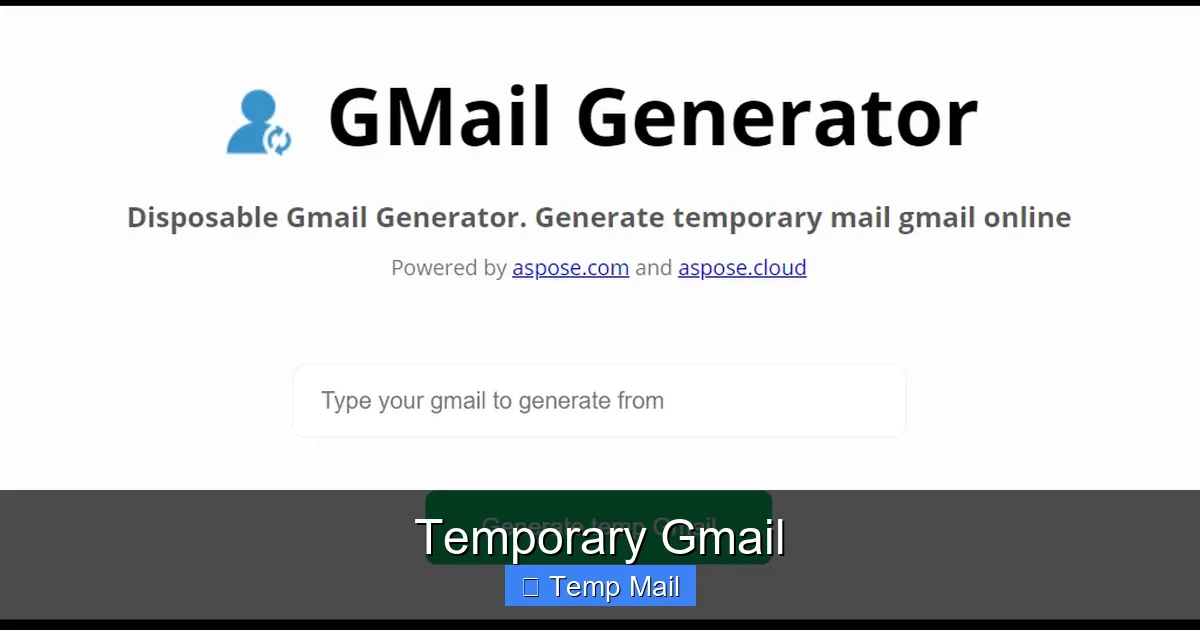
Let’s clear up the biggest confusion right away. If you search for “temporary Gmail,” you might find websites claiming to provide disposable @gmail.com addresses. That’s not real. Google does not offer a public, automated service to generate throwaway Gmail accounts. So, what are people talking about? The term “temporary Gmail” is a popular nickname for a simple, user-managed privacy hack: creating a dedicated, secondary Gmail account specifically for short-term or one-off online activities.
Think of it like having a separate physical mailbox just for all the flyers, coupons, and promotional catalogs you might receive. Your main mailbox stays clean and secure for your personal letters and important bills. This “temp Gmail” is that secondary digital mailbox. You use it when a website or app demands an email address to proceed, but you have no intention of engaging with them long-term or trusting them with your primary contact information.
The Core Concept: Compartmentalization
At its heart, this practice is about compartmentalization. It’s a digital hygiene technique where you separate different parts of your online life into distinct, isolated containers. Your primary Gmail is for family, close friends, your bank, and your employer. Your temporary Gmail is for everything else: that news site that wants an email to read an article, the gaming forum you’ll visit once, the software demo you want to try. This strategy dramatically reduces the “data exhaust” connected to your main identity.
How to Create and Use Your Own “Temporary Gmail”
Setting up your own temporary Gmail is straightforward because you’re just making a standard Google account. The “temporary” part is a mindset and a usage pattern, not a technical setting. Here’s a step-by-step guide to doing it right.
Visual guide about Temporary Gmail
Image source: 10-minutemail.com
Step 1: The Setup (Do It Right the First Time)
Go to accounts.google.com/signup. Fill out the form. Here are critical choices for a temp account:
- Name: Use a generic name or a variation of your real name (e.g., “John Smith” or “J. Smith”). Avoid using your full, common name.
- Username (Email Address): This is key. Don’t use anything identifiable. Think combinations: useful.tip2024@gmail.com, forum.user.xx@gmail.com, temp.access.zz@gmail.com. Avoid patterns that link back to your main accounts.
- Password: Use a strong, unique password you’ve never used anywhere else. A password manager is perfect for this.
- Recovery Email & Phone: This is a major point of failure for true temporariness. Google will require a recovery phone number. You can use a secondary phone number (like a Google Voice number or a cheap prepaid SIM) if you have one, but often users just use their main number, which slightly weakens the separation. For recovery email, leave it blank or use your main email, understanding this creates a link.
Complete the rest of the setup. You now have a “temporary” Gmail address.
Step 2: The Usage Protocol
This account is a tool. Use it only for its intended purpose.
- Never use it for personal correspondence.
- Never use it for financial services, healthcare, or government sites.
- Never use it as the primary recovery email for important accounts.
- Always assume any email sent here could be read by someone else (the service provider). Do not send sensitive information.
- When you sign up for a service, use this address. If they send a newsletter, don’t bother unsubscribing; just ignore the inbox.
Step 3: Maintenance and Sunset
A neglected email account is a security risk and can be disabled. Every 1-3 months, log in to your temporary Gmail. Clear out all the old promotional emails. Check if any services you signed up for sent important updates (e.g., “Your trial is ending”). After 6-12 months of complete inactivity, or once you feel its purpose is served, you can simply stop using it. Google will eventually disable it for inactivity (typically after 2 years), but you can also manually delete the account through Google’s account deletion tool if you want to be sure.
Ideal Use Cases: When to Deploy Your Temp Gmail
Knowing *when* to use this tool is as important as knowing *how*. Using it for the wrong reasons can cause real problems.
Visual guide about Temporary Gmail
Image source: blog.aspose.com
Perfect for: Content Gating and One-Time Access
This is the #1 use case. A blog wants your email to download a PDF ebook. A news site blocks articles after five free reads. A software company offers a 14-day trial. In these scenarios, you want the content or trial now, with zero commitment. Your temporary Gmail is perfect. You get the download link or trial activation, and any future marketing emails are funneled away from your main life.
Great for: Low-Stakes Forum or Community Sign-Ups
Joining a hobbyist forum, a subreddit’s off-site chat, a Discord server that requires email verification? Use the temp Gmail. These communities often have high email volume (notifications, digests) and are common targets for data breaches. Keeping that activity separate is smart.
Acceptable for: Throwaway Online Purchases (With Caution)
Buying a one-off item from an unfamiliar e-commerce site? Using a temp email can reduce post-purchase spam. However, never use it for high-value items or from merchants you might need to contact for returns or support. Order confirmations and shipping tracking are important. Use your main email for any purchase where you need reliable customer service.
Avoid for: Anything Identity-Related
This cannot be stressed enough. Do not use a temporary Gmail for:
- Social media accounts you care about (Facebook, Instagram, Twitter/X).
- Password recovery for any important account (bank, primary email, cloud storage).
- Professional networking (LinkedIn).
- Job applications.
- Government services (taxes, benefits, licenses).
- Healthcare portals or patient communication.
For these, your primary, secure, and actively monitored email is non-negotiable.
The Critical Limitations and Risks You Must Know
The “temporary Gmail” hack is useful, but it’s not magic. It has significant limitations and carries specific risks that users often overlook.
Visual guide about Temporary Gmail
Image source: blogger.googleusercontent.com
It’s Not Truly Anonymous or Disposable
This is the biggest misconception. A dedicated temp mail service (like Temp-Mail.org or 10MinuteMail) generates a random address with no personal connection, no verification, and often no password. It’s designed to be forgotten. Your Gmail account, even a “temp” one, was created with a phone number (verified by Google) and from your IP address. Google logs all of this. If the account is used for illegal activity, law enforcement can subpoena Google for the creation details. For casual privacy, it’s fine, but for real anonymity, it fails.
The Phone Verification Hurdle
Google’s requirement for a phone number during account creation is a major barrier to creating many temp accounts. You can’t use the same number for dozens of accounts. This inherently limits how many “temporary” Gmail addresses you can have, unlike true temp mail sites where you can refresh for a new address every 10 minutes.
Inactivity and Account Deletion
Google’s policy states that accounts may be deleted for inactivity. The timeframe is generally 2 years. If you create a temp Gmail, use it for three sign-ups in month one, and then forget about it for 18 months, you might log in to find it gone—along with any access to services you signed up for using that address. This makes it unreliable for services with long-term, low-frequency needs (e.g., a warranty registration you might need in 18 months).
Susceptibility to Suspension for Abuse
If you use your temp Gmail to create hundreds of accounts on a single platform (e.g., for spam, botting, or circumventing bans), Google’s anti-abuse systems will detect the unusual activity from a single account/device/IP combination. The entire temp Gmail account will be suspended. Worse, if Google suspects the activity is severe, it could impact your primary Google account if any linkage is detected (e.g., same recovery phone).
No Built-In Auto-Expiry
With a true disposable email, the inbox vanishes after 10 minutes or 1 hour. Your temporary Gmail lives until you delete it or Google does. This means the “temporary” data (the inbox contents) sticks around longer than you might want, stored on Google’s servers. You must manually clear it.
Temporary Gmail vs. Dedicated Temp Mail Services: A Clear Comparison
Understanding the difference between your self-made “temporary Gmail” and a professional temp mail service is crucial for choosing the right tool.
| Feature | Temporary Gmail (Your Own) | Dedicated Temp Mail Service |
|---|---|---|
| Creation | Manual, requires phone verification, personal info. | Automatic, no verification, no personal info. |
| Anonymity | Low. Tied to your phone/IP history. | High. No personal ties, random addresses. |
| Inbox Lifespan | Days/weeks (manual) to 2 years (Google policy). | Minutes to hours (e.g., 10 min, 1 day). Auto-deletes. |
| Best For | Repeated use on trusted-but-spammy sites, longer-term low-stakes access. | Instant, single-use verification for a single site visit. |
| Security | High (Google’s encryption, 2FA). | Very Low. Often unencrypted, anyone with the URL can view the inbox. |
| Reliability | High (Google’s uptime). | Variable. Domains get blacklisted frequently, emails may not arrive. |
| Cost | Free (with a Google account). | Free with limits, or paid for premium features. |
Rule of Thumb: If you need to click a link in the verification email and then never think about that site again, use a dedicated temp mail service. If you might need to log back into that site occasionally over the next few months (like a forum or a trial software), your own temporary Gmail is the more reliable, manageable choice.
Security and Privacy: The Unseen Trade-Offs
Using any email service, even a “temp” one, involves trade-offs between convenience, privacy, and security. With your temporary Gmail, you are trading some anonymity for Google’s robust infrastructure.
What Google Sees and Logs
When you create and use your temporary Gmail, Google collects the same data it does for your primary account: IP address, device information, login location, and activity patterns. While Google’s privacy policy applies, this data exists. If you are trying to avoid tracking by the *website you’re signing up for*, this is effective—they only see the temp email. But you are not hiding from Google itself. For users with high privacy needs (e.g., journalists, activists), this central point of data collection is a significant flaw compared to decentralized, no-log temp mail services.
The Recovery Problem: A Single Point of Failure
As mentioned, the recovery phone/email is the Achilles’ heel. If you use your main phone number as the recovery for your temp Gmail, you have created a direct, verifiable link between your primary identity and your “anonymous” temp account. Anyone with access to your primary account (or a data breach at Google) could potentially discover or reset the temp account. To maximize separation, use a separate recovery method, but this adds complexity.
Email Content is Never Truly Ephemeral
You might delete the promotional emails from your temp Gmail inbox, but Google’s backups and the sender’s server copies persist. The “temporary” nature only applies to your access and visibility. For truly sensitive communications, no email is ever fully temporary.
Two-Factor Authentication (2FA) is a Double-Edged Sword
You should absolutely enable 2FA on your temporary Gmail to prevent hijacking. However, this makes the account feel more “real” and permanent. It also complicates recovery if you lose your authenticator device. For a truly throwaway account, some users skip 2FA, accepting the small risk for the sake of easy disposal. This is a personal risk assessment.
Best Practices and Ethical Guidelines
To use your temporary Gmail effectively and responsibly, follow these guidelines.
- Treat It Like a Tool, Not a Ghost: This account exists. It has a creation date, a phone number linked to it, and an activity log. Act accordingly.
- Use a Unique Password: Never reuse the password from your main Gmail or any other important account. A breach on a low-security forum shouldn’t compromise your bank account.
- Do Not Use for Fraud: Do not use it to create fake accounts, evade bans, generate fake reviews, or perpetrate any form of online deception. This violates Google’s Terms of Service and often the terms of the service you’re signing up for.
- Inform Your Inner Circle: Make sure family or close colleagues know not to use this email address to contact you. If they do, you might miss it.
- Schedule a Quarterly Check-In: Put a recurring calendar reminder: “Check Temp Gmail.” Log in, clear the inbox, note any services that might need attention, and log out.
- Know When to Delete: If the account has served its purpose, or if you notice suspicious activity (though unlikely on a low-use account), delete it. Use Google’s official account deletion tool to remove it completely.
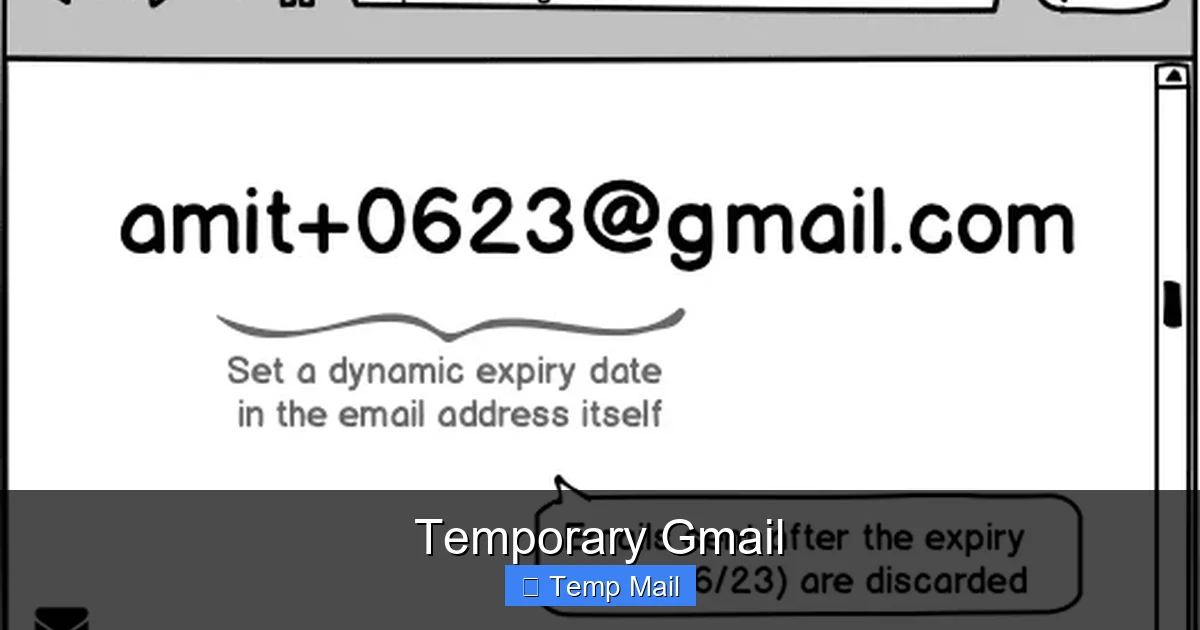
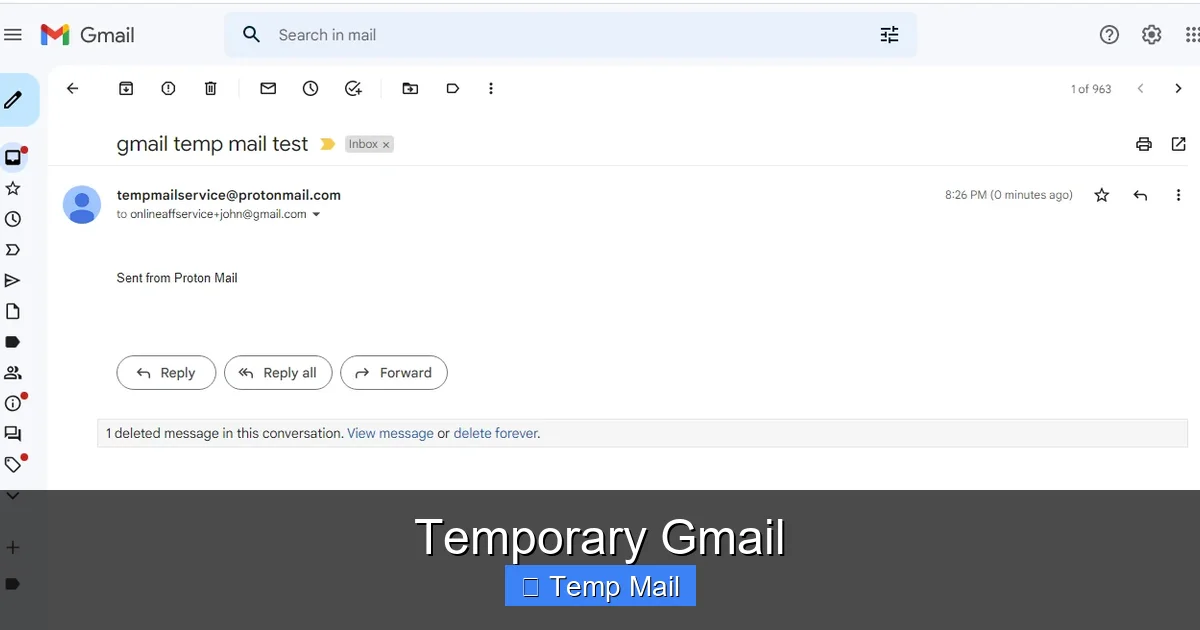
- Consider an Email Alias First: Before creating a whole new Gmail, see if your primary provider (Gmail, Outlook, etc.) offers free email aliasing. Gmail’s “+” trick (youremail+forum@gmail.com) or Outlook’s aliases can often route emails to your main inbox but can be easily filtered and deleted, offering a middle ground between full separation and full exposure.
The Future: Where Is This All Heading?
The need for temporary and disposable email addresses is growing as spam, data harvesting, and credential stuffing attacks increase. Regulations like GDPR and CCPA give users more rights, but the onus is still on the individual to protect their digital footprint.
Google itself has been slow to address the demand for disposable email within its ecosystem. Features like Gmail’s confidential mode offer expiration for *sent* messages, not for the address itself. The most likely evolution is the broader adoption of **email aliasing** from major providers. Services like Apple’s “Hide My Email” (which generates random @icloud.com forwards) and Firefox’s “Masked Email” (with @relay.firefox.com) are leading the way. These are true, integrated disposable addresses that forward to your main inbox and can be disabled with one click. They offer the management ease of Gmail with the disposability of a temp service, without a separate login or inbox to manage.
Until such features are universally available and free, the “temporary Gmail” method—a manually created, secondary account—remains a powerful, accessible, and cost-free strategy for the privacy-conscious user willing to put in the minimal maintenance effort.
Conclusion: A Practical Tool in Your Privacy Toolkit
A “temporary Gmail” is not a secret product or a loophole. It is a simple, deliberate act of digital self-care: creating a separate, less-important email identity to act as a shield for your primary, valuable one. Its strength lies in its simplicity and reliability, backed by Google’s infrastructure. Its weaknesses are its lack of true anonymity, the necessity of phone verification, and the requirement for manual upkeep.
By understanding its mechanics, respecting its limitations, and applying it only to appropriate low-stakes scenarios, you can significantly reduce inbox clutter, minimize your exposure to data breaches and spam networks, and regain a small but meaningful measure of control over your online identity. It’s a foundational practice for anyone looking to practice better digital hygiene in an age of relentless data collection. Start today: create that second account, use it wisely, and keep your main inbox pristine.
Frequently Asked Questions
Is creating a “temporary Gmail” against Google’s rules?
No, creating multiple Google accounts for personal use is allowed. However, using them for spam, fraud, or to circumvent bans violates Google’s Terms of Service and can get all associated accounts suspended.
Can I recover a temporary Gmail if I forget the password?
Recovery depends entirely on the recovery phone number and/or recovery email you provided during setup. If you used your main phone number, you can likely recover it. If you used a fake or inaccessible number, the account is almost certainly lost.
How long does a temporary Gmail last before Google deletes it?
Google’s official policy is to delete accounts after 2 years of inactivity. However, if you log in and use it periodically (every few months), it can last indefinitely until you choose to delete it.
Is a temporary Gmail safer than a dedicated temp mail website?
It’s safer in terms of security (encryption, login protection) and reliability (emails always arrive). It’s less safe in terms of true anonymity, as it’s tied to your phone/IP. Dedicated temp sites are more anonymous but often less secure and reliable.
What happens to the accounts I signed up for using my temporary Gmail if I delete the email?
You will lose the ability to log in using that email address. If those services have a “forgot password” function and you set up recovery questions or a secondary email, you *might* be able to regain access by updating the email on the account. Otherwise, you will likely lose access to those accounts permanently.
Should I use my real name for the temporary Gmail account?
It’s better not to. Use a generic name or a slight variation. The goal is to separate this identity from your real one. Using your real name links the accounts in public records and data broker databases, defeating the purpose of having a separate email.


