Temporary Email for Otp
Using a temporary email for OTP (One-Time Password) verification is a smart strategy to protect your primary inbox from spam and potential security threats. These disposable addresses act as a shield, accepting verification codes without exposing your personal contact information. While incredibly useful for sign-ups and trials, it’s crucial to understand their limitations and use them wisely to maintain account security and avoid lockouts.
Key Takeaways
- Privacy Shield: A temporary email for OTP prevents your primary email address from being added to marketing lists or exposed in data breaches during account creation.
- Spam Reduction: By using a disposable address for verification, you significantly reduce the amount of promotional and phishing email landing in your main inbox.
- Not for Critical Accounts: Never use a temporary email for OTP on accounts holding sensitive data (banking, primary cloud storage, main social media), as you will lose access if the disposable inbox expires.
- Access is Ephemeral: The core feature of a temp mail for OTP is its short lifespan. You must use the verification code before the inbox closes, typically within 10-60 minutes.
- Some Services Block Them: Many major platforms (like Google, Apple, major banks) actively detect and block known disposable email domains to prevent abuse.
- Tool, Not a Solution: A temporary email is a privacy tool, not a comprehensive security solution. It does not encrypt your communications or protect you from malware.
- Legal and Acceptable Use: Using a temp mail for OTP is generally legal and acceptable for non-critical website registrations, forum sign-ups, and accessing gated content.
📑 Table of Contents
- What Exactly is a Temporary Email for OTP?
- How a Temporary Email for OTP Works: A Step-by-Step Guide
- The Major Benefits: Why People Use Temp Mail for OTP
- The Risks and Limitations: What You MUST Know Before You Start
- Best Practices: How to Use a Temporary Email for OTP Safely and Effectively
- Alternatives to Temporary Email for OTP
- The Future of OTP and Email Verification
- Conclusion: A Powerful Tool for a Specific Job
What Exactly is a Temporary Email for OTP?
In our digital lives, we constantly encounter the phrase “Enter your email address to receive a verification code.” This one-time password (OTP) is a cornerstone of modern online security, proving you own the email account you provided. But what happens when you don’t want to use your real, permanent email for that random website, free trial, or forum? This is where the concept of a temporary email for OTP comes into play.
Think of it as a digital burner phone. A temporary email service provides you with a random, disposable email address that exists for a very short period—often just 10 minutes to a few hours. Its sole purpose is to receive that single verification email, allow you to copy the OTP code, and then vanish into the ether. The inbox is publicly accessible to anyone who has the unique URL, and it self-destructs after a set time or upon closing the browser tab. It’s a perfect, low-commitment solution for a specific, transient task.
The Core Difference: Temp Mail vs. Your Regular Inbox
Your primary email (Gmail, Outlook, Yahoo, etc.) is a persistent identity. It’s tied to your name, used for critical communications, password resets, and is a key part of your digital footprint. A temporary email for OTP is the opposite: anonymous, fleeting, and purpose-built for a single interaction. It has no password, no long-term storage, and no connection to your identity. This fundamental difference defines its use case and its risks.
How a Temporary Email for OTP Works: A Step-by-Step Guide
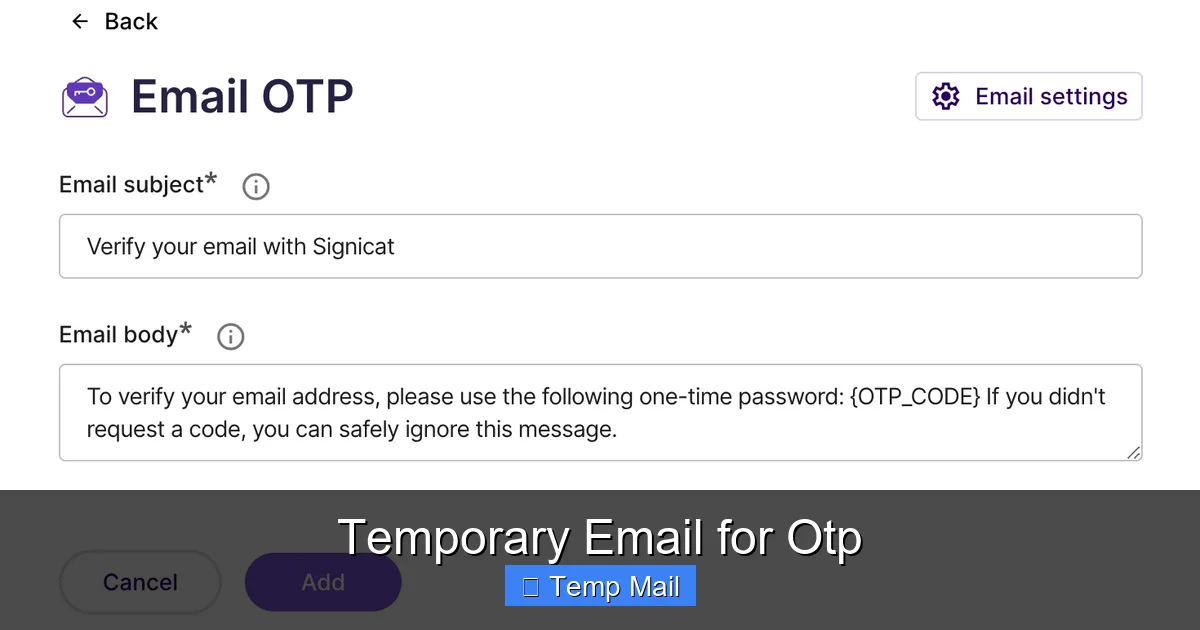
The process is beautifully simple, which is why these services are so popular. Let’s walk through a typical scenario where you need a temporary email for OTP verification.
Visual guide about Temporary Email for Otp
Image source: static.signicat.com
Step 1: Generate Your Disposable Address
You visit a temp mail website like Temp-Mail.org, 10MinuteMail.com, or Guerrilla Mail. Instantly, the page generates a random email address for you, something like “x7k9p2q@domain.com”. You don’t need to sign up, create a password, or provide any information. The address and a unique inbox URL are displayed on your screen.
Step 2: Use It for OTP Verification
You go to the website or app that requires email verification. In the email field, you paste the temporary address. You then click “Send Code” or “Sign Up.” The service sends the OTP email to your disposable inbox.
Step 3: Retrieve the Code
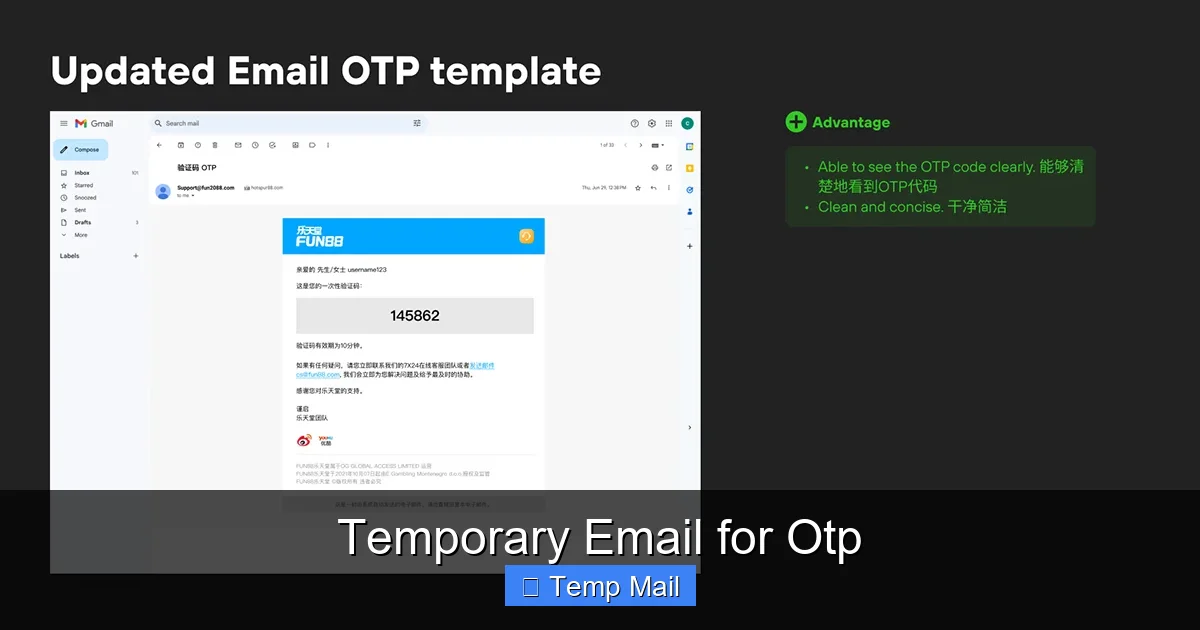
You switch back to the temp mail tab. Within seconds, the new email appears in the inbox list. You click on it, and the content—including the one-time password—is displayed. You copy that code, paste it into the verification field on the original site, and complete the process.
Step 4: Let It Expire
Once you have the code, you simply close the browser tab. After the allotted time (the countdown timer on the site will show you how long you have), the email address and all its messages are permanently deleted. There is nothing left to clean up. This entire cycle can happen in under two minutes.
The Major Benefits: Why People Use Temp Mail for OTP
The surge in popularity of disposable email services isn’t accidental. They solve several common, frustrating problems of the modern web.
Visual guide about Temporary Email for Otp
Image source: mir-s3-cdn-cf.behance.net
1. Unbeatable Spam Protection for Your Primary Inbox
This is the #1 reason. When you use your real email to sign up for a free ebook, a discount code, or a one-time service, you are almost guaranteed to be added to that company’s marketing list. Even if you unsubscribe later, your email is often sold to other advertisers. Using a temporary email for OTP creates a dead-end for that spam. The marketing emails go to an inbox that ceases to exist in an hour. Your primary Gmail stays pristine.
2. Enhanced Privacy and Anonymity
Every website you sign up for becomes a data point in your digital profile. By using a disposable address, you sever the direct link between that specific website account and your true identity. For users concerned about data mining, profiling, or simply wanting to browse with one less personal identifier, this is a significant privacy win. It’s especially useful for whistleblowers, activists in restrictive regions, or anyone researching sensitive topics online.
3. Bypassing “Gated Content” Easily
Many blogs and news sites require an email address to access an article or download a whitepaper. Often, this is just a lead generation tactic. A temporary email for OTP lets you bypass this requirement instantly without committing to a newsletter you don’t want. You get the content, and your inbox gets no new subscriptions.
4. Testing and Development
For software developers and QA testers, creating multiple test accounts on their own platforms can flood their work email. Using a disposable email stream allows for rapid, clean creation of test accounts to verify email workflows, OTP systems, and user onboarding flows without cluttering a real inbox.
5. Avoiding “Account Lockout” on Throwaway Services
If you’re signing up for a service you plan to use only once—like a one-off file conversion tool or a temporary project management board—you don’t want to risk forgetting the password later and having a useless account associated with your real email. A temp mail account is, by design, meant to be forgotten after its single use.
The Risks and Limitations: What You MUST Know Before You Start
While powerful, a temporary email for OTP is not a magic bullet. Using it incorrectly can lead to real problems, including permanent loss of access to important accounts.
Visual guide about Temporary Email for Otp
Image source: fazpass.com
1. The “Access Vanishes” Problem
This is the most critical risk. The OTP gets you in, but what about password resets later? If you use a disposable email to create an account on a platform you intend to use long-term, you will be locked out the moment you need to reset your password. The reset email will be sent to an inbox that no longer exists. You will lose access to that account forever. Therefore, the golden rule is: Never use a temporary email for OTP on any account where you need long-term access or that holds valuable data.
2. Detection and Blocking by Major Services
Google, Apple, Microsoft, Facebook, and all major financial institutions maintain extensive lists of known disposable email domains. Their systems are configured to reject these addresses outright during sign-up. If you try to use a temporary email for OTP on Gmail or your bank’s website, you’ll simply get an error message saying the email address is invalid. This is a deliberate anti-abuse measure.
3. Security and Trust Issues
Because the inbox is public and unsecured (no login required), anyone with the inbox URL can see your OTP email. While the code expires quickly, this is a potential man-in-the-middle risk on unsecured networks. Furthermore, some less-reputable temp mail services might log IP addresses or scan email content. You are placing a small amount of trust in the service provider not to abuse the transient data that flows through their system.
4. No Support or Recovery
If something goes wrong—the email doesn’t arrive, the OTP is invalid, or you accidentally close the inbox—there is zero customer support. You cannot contact the temp mail provider to retrieve a message. Your only recourse is to start the entire sign-up process over with a new disposable address. For non-critical tasks, this is a minor inconvenience; for important tasks, it’s a deal-breaker.
Best Practices: How to Use a Temporary Email for OTP Safely and Effectively
To maximize the benefits and minimize the risks, follow these practical guidelines.
Follow the “One-and-Done” Rule
Treat the temporary email for OTP as a single-use tool. Its job is to get you past the initial verification gate. Once you have successfully verified your account, immediately go into the new account’s settings and change the email address to your permanent, secure email. This way, future password resets and notifications go to your real inbox. The disposable address served its purpose and can now be retired.
Know Which Domains Are Blocked
Before you waste time, understand that certain sectors will not accept disposable emails. Always have your real email ready for:
- Financial services (banking, PayPal, Stripe, crypto exchanges)
- Primary cloud storage (Google Drive, iCloud, Dropbox)
- Main social media profiles (Facebook, Instagram, Twitter/X, LinkedIn)
- Any service where you are storing valuable personal data or payment methods.
Use the temp mail for low-stakes, non-essential registrations.
Choose a Reputable Service
Not all temp mail providers are created equal. Opt for well-known, established services that have clear policies (even if simple) and a history of reliability. Read their “About” or “FAQ” pages. Avoid obscure sites with lots of ads and pop-ups, as they are more likely to be malicious or poorly managed. Popular, trusted options include Temp-Mail, 10MinuteMail, and Guerrilla Mail.
Use a Dedicated Browser or Incognito Window
For an extra layer of cleanliness, open your temp mail service in a private or incognito browser window. This ensures that no cookies or session data from the temp site can be linked to your regular browsing activity, further separating your anonymous task from your primary digital identity.
Never Use for Password Recovery Setup
When setting up a new account, if the service asks you to “add a recovery email,” do not paste your temporary address. The recovery email is for when you are locked out. A disposable address is the worst possible choice for this function. Only provide a recovery email that you control long-term.
Alternatives to Temporary Email for OTP
A disposable email is just one tool in the privacy toolbox. Depending on your threat model and needs, consider these alternatives.
1. Alias Email Services (The Professional’s Choice)
Services like SimpleLogin, AnonAddy, or Firefox Relay (now integrated into Mozilla VPN) offer a middle ground. They create unique, forwardable email aliases (e.g., “newsletter@youralias.simplelogin.co”) that deliver to your real inbox. You can disable an alias at any time, stopping spam at the source. Unlike a temp mail, the alias is persistent and controlled by you, making it perfect for sign-ups where you might want to receive occasional updates but retain full control. This is a superior option for semi-important accounts.
2. Your Own Custom Domain
For the ultimate in control and professionalism, purchase a custom domain (e.g., yourname.dev) and set up a dedicated “signup@yourname.dev” or “spam@yourname.dev” address. You can use this for all registrations and easily filter or delete emails from it. It looks more professional than a random temp mail domain and is completely under your control. This requires a small annual fee for the domain.
3. The “Plus Addressing” Trick (Gmail, Outlook, etc.)
Many email providers support “plus addressing.” If your email is “you@gmail.com,” you can use “you+website@gmail.com” or “you@outlook.com” can use “you+website@outlook.com.” Emails sent to these modified addresses will still land in your primary inbox. You can then set up filters to automatically label or delete emails sent to “you+*@gmail.com.” This is a free, built-in way to create unlimited unique addresses without any third-party service. The downside is the base domain is still your primary one, so if that address is ever leaked, it’s still tied to you.
The Future of OTP and Email Verification
The landscape of online verification is evolving. While email-based OTP remains dominant, we are seeing the rise of alternatives that could reduce reliance on any email address at all.
Passkeys and WebAuthn
The biggest shift is the move toward passwordless authentication using passkeys. Based on the WebAuthn standard, passkeys use cryptographic keys stored on your device (phone, laptop, security key) to log in. There is no password, and often no email-based OTP is needed for initial setup on a trusted device. This is a more secure and user-friendly future that could make the “email for OTP” step obsolete for many services.
Social Login and OAuth
Using “Sign in with Google” or “Sign in with Apple” is already a way to avoid creating a new password and email combination for every site. These federated identities can sometimes bypass the need for a separate OTP email, as the trust is established with the major provider (Google/Apple) which already has your verified contact info.
SMS and Authenticator Apps
For critical accounts, SMS-based OTP (despite its own security flaws) and authenticator app codes (Google Authenticator, Authy) are becoming more common as a second factor, sometimes even replacing email codes for login. However, for initial account creation, a contact email is still almost universally required.
For the foreseeable future, the temporary email for OTP will remain a vital tool for the casual internet user. It provides a necessary buffer between the constant demand for an email address and the desire for a clean, private digital life. Its role may diminish as passkeys gain adoption, but its utility for low-stakes, one-off interactions is timeless.
Conclusion: A Powerful Tool for a Specific Job
A temporary email for OTP is not a solution for all your email needs, but it is the perfect tool for a very specific job: cleanly and privately navigating the countless minor sign-up gates that populate the internet. Its power lies in its impermanence. By understanding its mechanics, respecting its limitations, and following the best practices outlined—especially the cardinal rule of never using it for important accounts—you can leverage this simple tool to dramatically reduce spam, protect your primary identity, and reclaim a small but significant piece of your online privacy.
Use it wisely. Use it selectively. And always, always have your permanent, secure email ready for the things that truly matter. In the battle for your digital footprint, a disposable email is a excellent tactical retreat, not the strategic victory itself.
Frequently Asked Questions
Is using a temporary email for OTP legal?
Yes, using a disposable email service is completely legal in most countries. It is a legitimate tool for privacy protection. The legality only becomes an issue if you use it to commit fraud, illegal activities, or to deliberately violate a website’s terms of service (which many sites explicitly forbid).
Can I recover an account if I used a temp mail for the verification email?
Almost certainly not. Since the temporary inbox expires permanently, any password reset or recovery emails sent to that address will be lost forever. This is why you must change the account’s email to your permanent address immediately after verifying it, if you ever intend to keep using the service.
Are temporary emails secure?
They offer a different kind of security. They are “secure” in that they protect your primary email from spam and data breaches linked to that specific sign-up. However, they are not “secure” in the cryptographic sense; the inboxes are publicly accessible via a URL, so anyone with that link can see the emails. Do not use them for highly sensitive communications.
Why would a website block a temporary email?
Websites block disposable email domains to prevent abuse. These include creating spam accounts, fraudulently signing up for free trials repeatedly, evading bans, and generating fake engagement. It’s a defensive measure to maintain platform integrity and reduce server costs from fake users.
How long do temporary emails last?
3It varies by service, but most temporary email for OTP inboxes last between 10 minutes and 1 hour. Some may offer extensions if you are actively using them. The countdown timer is always displayed on the service’s page. Once time expires, the address and all emails are permanently deleted.
What’s the biggest mistake people make with temp mail?
The biggest mistake is using a temporary email for OTP on an account they later want to keep, without updating the email address in the account settings. They then get locked out when they forget their password because the reset link goes to a non-existent inbox. Always treat the temp mail as a one-time key, not a permanent address.