Temp Mail Verification Code
Temp mail verification codes are temporary, disposable email addresses used solely to receive one-time passwords (OTPs) or verification links during online sign-ups. This practice shields your primary email from spam, data breaches, and unwanted marketing. While offering significant privacy and convenience benefits, it requires understanding potential limitations, like some platforms blocking known temp mail domains. Ultimately, using a temp mail service for verification codes is a smart, proactive step for managing your digital footprint and maintaining inbox hygiene.
You’re clicking through a website, eager to download that free ebook or access that exclusive article. You hit the sign-up button, fill in your name, and then… the gate slams down. “Please verify your email address.” A sigh escapes you. Do you really want to give your real, personal email to *this* site? What if they sell it? What if it gets hacked? This is the universal modern dilemma, and the solution for millions is a clever, digital workaround: using a temp mail verification code. It’s like having a secret, disposable identity for the internet’s endless queues. But how does it work? Is it safe? And when should you—and shouldn’t you—use it? Let’s pull back the curtain on this essential privacy tool.
At its heart, a temp mail verification code is a simple concept executed with digital elegance. You need a key (the code) to open a door (your new account). Instead of having that key mailed to your permanent home address (your primary email), you rent a temporary, anonymous P.O. box for one day—the temp mail inbox. The website sends the verification key there. You pick it up, unlock your account, and then abandon the P.O. box forever. No trace, no ongoing connection to your main digital identity. This process has become a cornerstone of managing online privacy, but it exists in a fascinating gray area of utility, risk, and netiquette.
Key Takeaways
- Definition: A temp mail verification code is a OTP or link sent to a disposable, short-lived email address created specifically for a single online registration or verification process.
- Primary Purpose: Its core function is to verify an account or action while preventing your permanent email address from being exposed to potential spam, data harvesting, or security breaches.
- Key Advantage: It provides a powerful layer of privacy and inbox hygiene, allowing users to access gated content or services without long-term commitment or exposure.
- Security Consideration: The security of the verification code itself depends on the temp mail provider’s encryption and the user’s access to the temporary inbox; it is not inherently more or less secure than a standard email.
- Common Limitation: Many reputable websites and platforms (like banks, social media giants, or payment processors) actively detect and block emails from popular temp mail domains to prevent fraud and abuse.
- Best Practice: Use temp mail for low-stakes sign-ups (e.g., forums, newsletters, trial software) but always use your primary, secure email for critical accounts involving finance, identity, or long-term security.
- Tool, Not a Shield: A temp mail verification code is a privacy tool, not a substitute for strong passwords, 2FA, or general cybersecurity vigilance.
📑 Table of Contents
- What Exactly is a Temp Mail Service?
- The Journey of a Temp Mail Verification Code
- The Powerful Benefits: Why Use a Temp Mail Verification Code?
- The Critical Risks and Limitations You Must Know
- Best Practices: How to Use Temp Mail Verification Codes Wisely
- The Future and Alternatives: Beyond the Temp Inbox
- Conclusion: A Tool for the Discerning Digital Citizen
What Exactly is a Temp Mail Service?
Before diving deep into verification codes, we need to understand the vessel they travel in: the temporary email address. A temp mail service is a web platform or application that generates a random, unique email address for you on the spot. This address exists for a short, predefined period—usually 10 minutes to 48 hours—or until you close the browser tab. It’s not tied to your identity, requires no password to create, and has no storage capacity beyond the current session.
The Anatomy of a Disposable Inbox
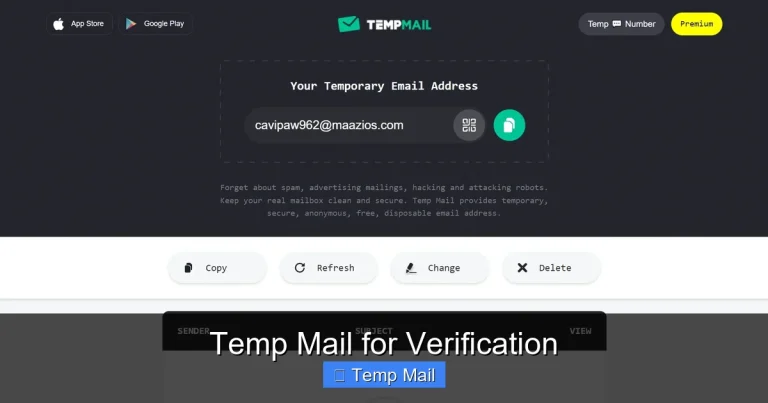
When you visit a site like Temp-Mail.org, Guerrilla Mail, or 10MinuteMail, the service instantly assigns you an address. It looks something like a8b3c9@domain.com. This address is fully functional; it can receive emails. You can then copy and paste this address into any website’s sign-up form. The website’s system, none the wiser, sends the welcome email or temp mail verification code to that disposable address. You switch back to the temp mail tab, and the email is already there, displayed in plain text. No login, no fuss.
How It Differs from Regular Email
The differences are fundamental. Your Gmail or Outlook account is a persistent identity. It’s linked to your name, your contacts, your calendar, and often your phone number. It’s designed for long-term communication and storage. A temp mail inbox is a single-use, anonymous dropbox. There is no “sent” folder, no contacts list, and no ability to reply (in most cases). Its sole purpose is reception and immediate deletion. This ephemeral nature is its greatest strength for verification purposes but also its critical weakness for any sustained communication.
The Journey of a Temp Mail Verification Code
Let’s trace the lifecycle of a typical temp mail verification code to understand where vulnerabilities and conveniences lie.
Visual guide about Temp Mail Verification Code
Image source: i.pinimg.com
Step 1: The Generation Request
You find a useful online tool—a PDF converter, a design mockup generator, a forum you want to post on once. You click “Sign Up.” The site’s backend creates a unique, random numeric or alphanumeric code (e.g., 7X9B2K) and associates it with your pending user account in its database. It then triggers an email to be sent to the address you provided.
Step 2: The Send & Receive
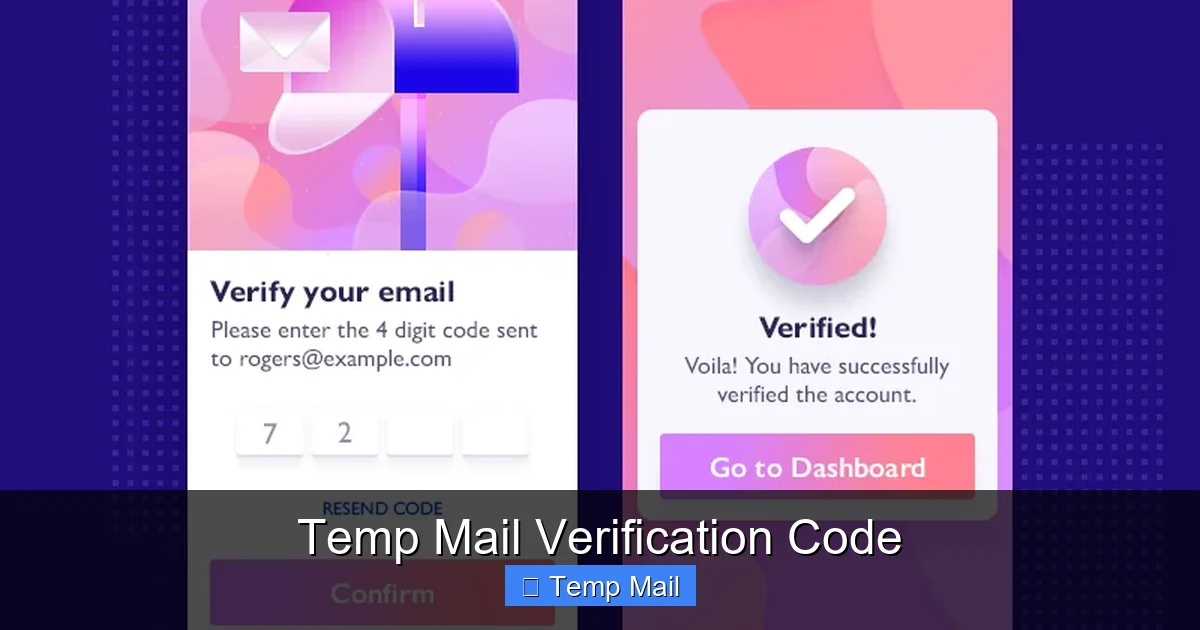
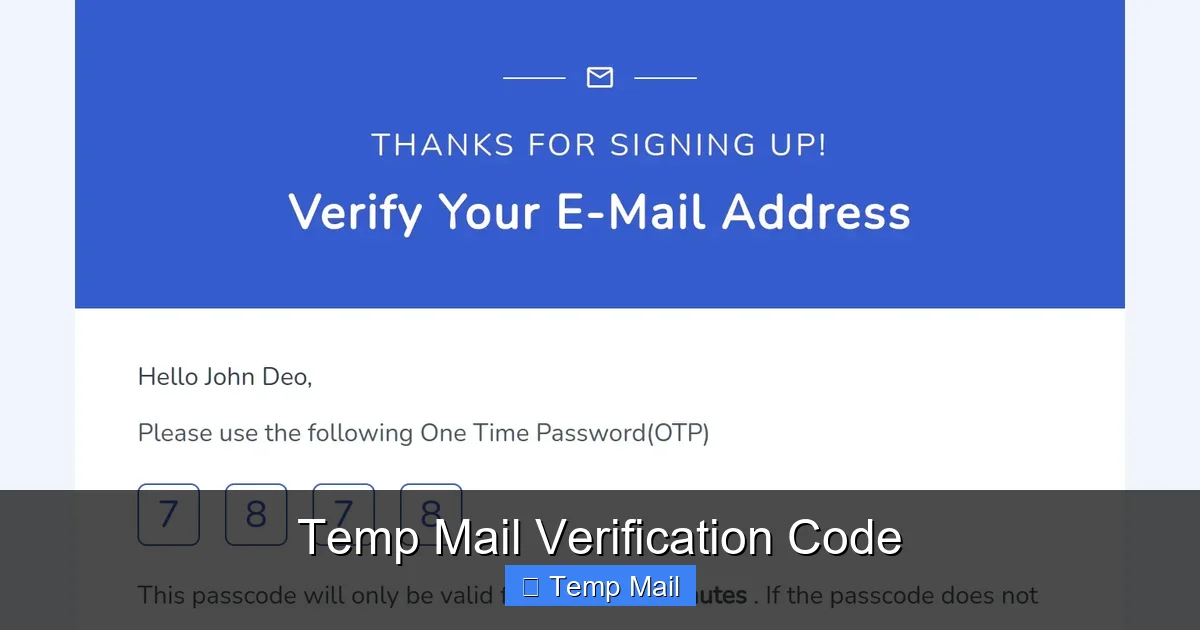
The website’s mail server sends an email with that code in the subject line or body to your temporary address. The temp mail service’s servers intercept this email. Because the inbox is not password-protected and is actively monitored by the service for the session, the email appears in your browser window almost instantly. You see: “Your verification code is: 7X9B2K.”
Step 3: The Verification and The Vanishing Act
You copy that code, paste it into the website’s verification box, and your account is activated. Success! Now, the magic of the temp mail happens. Depending on the service’s timer, that inbox—and the email containing your verification code—will self-destruct in 10 minutes, 1 hour, or when you close the tab. The digital breadcrumb trail ends. The website has a valid email on file (the temp one), but it’s an address that no longer exists, rendering it useless for future targeted communication or password resets (unless you use the same temp service again, which is a bad practice).
The Powerful Benefits: Why Use a Temp Mail Verification Code?
The adoption of this practice isn’t just about avoiding a few spam emails; it’s a strategic move for digital hygiene.
Visual guide about Temp Mail Verification Code
Image source: tailwindtap.com
1. Unmatched Inbox Spam Protection
This is the most obvious and valuable benefit. By never using your primary email for untrusted or one-time sites, you create an impenetrable firewall. Your main inbox remains a sanctuary for emails from family, colleagues, and trusted services. The promotional blasts and “special offers” from that sketchy coupon site you tried once? They have nowhere to go because the address they mailed to is now digital dust.
2. Enhanced Privacy and Data Minimization
Every email address you hand out is a data point that can be linked to your online behavior, sold to data brokers, or leaked in a breach. Using a temp mail verification code is a direct application of the “data minimization” principle. You provide the absolute minimum information (a random string of characters) required to complete the action. You are not giving away a piece of your persistent digital identity.
3. Bypassing Geographic or Institutional Blocks
Some content or services are geo-restricted or require an institutional (.edu, .gov) email for access. While a temp mail won’t give you a .edu address, it can help users in restrictive regions access information by providing *an* email address where none was previously possible, without revealing their personal or work email to a foreign entity.
4. Testing and Development
For developers, QA testers, or marketers, temp mail is indispensable. Need to test a website’s sign-up and email flow 50 times? You can generate 50 unique, valid email addresses in minutes without managing a single real inbox. It streamlines automation and testing workflows significantly.
The Critical Risks and Limitations You Must Know
This tool is not a magic bullet. Understanding its limitations is crucial to using it effectively and safely.
Visual guide about Temp Mail Verification Code
Image source: android-ios-data-recovery.com
The “Blocked Domain” Problem
This is the single biggest hurdle. The major temp mail providers (like those listed above) are well-known. Many websites, especially those dealing with money, identity, or high-value accounts (think Facebook, Twitter, LinkedIn, banks, PayPal, Netflix), have databases of these disposable email domains. When you try to sign up with @tempmail.com, their system will instantly reject it with a message like, “Please use a valid email address.” They do this to combat fraud, spam, and fake account creation. Therefore, a temp mail verification code is often useless for the services where you might most want email privacy.
No Account Recovery, No Security
If you use a temp mail for an account and then forget your password, you are permanently locked out. The password reset link will be sent to an inbox that has vanished. Furthermore, for any account where security is paramount—email accounts themselves, banking, cloud storage—using a temp mail is a catastrophic idea. You would be locking yourself out of your own critical assets.
Ethical and ToS Concerns
Using a temp mail to sign up for a service that explicitly requires a “real, personal email” in its Terms of Service is a violation. While you might get away with it for minor services, it’s a breach of the agreement. More importantly, using it for malicious purposes—creating spam accounts, bypassing bans, generating fake reviews—is unethical and often illegal. The tool is for privacy, not deception.
Provider Trust and Data Handling
You are trusting the temp mail service itself. While most reputable ones do not log IPs or store emails long-term, a malicious or compromised provider could theoretically log the emails it receives, including your temp mail verification code and the content of the email. You are placing trust in an entity whose business model is anonymity, not long-term security.
Best Practices: How to Use Temp Mail Verification Codes Wisely
So, how do you navigate this landscape? Follow these golden rules.
Rule 1: Know Your “Why” and Choose the Right Tool
Ask yourself: “What is the worst thing that happens if this account is compromised or I lose access?” If the answer is “I can’t read a newsletter” or “I have to re-register for a free webinar,” a temp mail is perfect. If the answer is “I lose access to my cloud files” or “someone could steal my money,” use your primary, secure email with two-factor authentication enabled. For low-stakes sign-ups, use a well-known, reputable temp mail service that offers a browser extension for quick access.
Rule 2: Never Reuse a Temp Address
Each new sign-up should get a brand new temporary email address. Reusing one defeats the purpose of compartmentalization. If one service gets compromised or spammy, all services linked to that same temp address are now linked together in that data breach. Generate fresh, random addresses every time.
Rule 3: Have an Exit Strategy
Before you use a temp mail, quickly check: Does the site offer a social login (Google, Apple)? That’s often a better alternative for one-time access. Does it absolutely require email? If it’s a service you might grow to value, consider just using your secondary email (a dedicated email for newsletters and sign-ups) instead of a temp one. A temp mail is for the “probably never again” category.
Rule 4: Assume the Code is Public
Treat the temp mail verification code like a public password. Do not use it for anything sensitive beyond that single verification. The email containing it travels through multiple servers and sits in a temporary inbox that anyone with access to your computer (or the temp service, in a breach) could see. Its sole job is to get you past that one verification screen.
The Future and Alternatives: Beyond the Temp Inbox
The ecosystem is evolving. Browser-based password managers (like Bitwarden) now include email alias features that create unique, forwardable email addresses tied to your main account. Services like SimpleLogin or AnonAddy offer more robust, customizable aliasing. These are often more reliable than public temp mail domains because they use your own domain’s reputation. For the ultimate in privacy, using these alias services is becoming the gold standard, bridging the gap between the anonymity of temp mail and the reliability of a permanent address.
The landscape of email verification is also shifting. Passwordless authentication using magic links (which are essentially verification links sent via email) is growing. The need for a temp mail verification code may someday be replaced by other factors like biometrics or hardware keys. But for now, the disposable inbox remains a vital, democratic tool for the average internet user to claw back a piece of their privacy.
Conclusion: A Tool for the Discerning Digital Citizen
The temp mail verification code is more than a convenience; it’s a statement. It says, “I do not consent to having my primary email address added to your marketing list or your insecure database.” It’s a small, daily act of data sovereignty. Used correctly—for the right sites, with an understanding of its temporary nature—it is an incredibly effective shield against the relentless tide of spam and profiling. However, it is not a tool for building digital assets or securing critical accounts. The discerning digital citizen knows when to deploy this tactical nuclear option for privacy and when to rely on the sturdy, secure foundations of their permanent, well-guarded email identity. In the end, managing your online presence is about using the right tool for the job, and for countless sign-up gates across the web, the temp mail verification code is precisely that tool.
Frequently Asked Questions
Is using a temp mail verification code safe?
It is safe for privacy and spam prevention, but not for security. The code is transmitted in plain text to a temporary inbox anyone can access on your device. Never use it for sensitive account recovery or for services where account security is critical.
Can I reuse the same temp mail address for multiple sites?
You should never reuse a temp address. Each service should get a unique, fresh disposable email. Reusing one links all those accounts together in the data trail of that single temporary address, negating the privacy benefit and increasing risk if one site is breached.
Why do some websites reject my temp mail address?
Many popular websites maintain blocklists of known disposable email domains to prevent fraud, spam, and fake account creation. If your temp mail domain is on such a list, you will be unable to sign up with it. This is why temp mail is best for smaller or less security-conscious sites.
How long does a temp mail verification code last?
The code itself is typically valid for 5-30 minutes, as set by the website sending it. More importantly, the temporary email inbox it is sent to will expire much sooner—usually between 10 minutes and 48 hours after creation—making the code inaccessible after that period even if it was still valid.
What are the best alternatives to public temp mail services?
The best alternatives are email alias services like SimpleLogin, AnonAddy, or DuckDuckGo Email Protection. These create unique, forwardable email addresses using your own domain (or a provided one), which are far less likely to be blocked and offer more control than anonymous public temp mail.
Is it illegal to use a temp mail verification code?
Using a temp mail is not illegal in itself. It becomes problematic if you violate a website’s Terms of Service by using it where a “real” email is required, or if you use it for fraudulent activities like creating fake accounts for spam or scams. For legitimate privacy protection on low-stakes sites, it is a widely accepted practice.