Temporary Email for Signup
Temporary email for signup is a disposable inbox designed to shield your primary email from spam, data breaches, and unwanted marketing when registering for websites or downloads. These services generate a random, short-lived email address that self-destructs after a set time or use, offering a crucial layer of anonymity for one-time interactions. While incredibly useful for maintaining digital hygiene, they come with important limitations regarding security and long-term account recovery that every user should understand before relying on them.
Key Takeaways
- Core Purpose: Temporary email services provide a disposable inbox to receive verification emails without revealing your permanent email address, primarily fighting spam and protecting privacy.
- Privacy vs. Security: They enhance privacy by masking your identity but often lack strong security; most providers can read all emails sent to the temporary address, so never use them for sensitive transactions.
- Common & Valid Uses: Ideal for signing up to untrusted websites, downloading gated content (e-books, whitepapers), accessing forum trials, or testing email-based features in app development.
- Key Limitations: Inboxes expire quickly (hours to days), emails are not encrypted by default, and you cannot recover a temporary address or its emails once deleted, making them unsuitable for any account you need to access long-term.
- How They Work: You visit a temp mail site, a random address is generated, you use it to sign up, and the service’s webpage displays incoming emails in a public inbox linked only to that random address.
- Website Detection: Many major platforms (Google, Facebook, banks, etc.) actively block known disposable email domains to prevent abuse, so a temp address will often be rejected during signup.
- Best Practice: Use a dedicated, reputable provider, never for password resets or financial accounts, and always assume anything sent to a temp address is public and temporary.
📑 Table of Contents
- Your Digital Shield: Understanding Temporary Email for Signup
- How Does Disposable Email Actually Work? A Simple Breakdown
- The Clear Benefits: Why You Should Consider Using a Temp Mail
- When NOT to Use a Temporary Email: Critical Limitations and Risks
- Practical Guide: How to Use Temporary Email Effectively and Safely
- The Bigger Picture: Digital Hygiene and Responsible Use
- Conclusion: A Powerful Tool in Your Privacy Toolkit
Your Digital Shield: Understanding Temporary Email for Signup
Let’s be honest. The internet can feel like a crowded, noisy marketplace where everyone wants your email address. Sign up for a newsletter, download a free template, create an account to read an article—each request is a potential gateway to a cluttered inbox filled with promotions you never asked for. This is where the clever concept of temporary email for signup comes into play. It’s not a secret tool, but a practical privacy shield many savvy users employ daily. Think of it as using a burner phone for a specific, short-term task. You get the job done—receiving that crucial verification link—without handing over your real, permanent contact information.
The rise of data harvesting and relentless email marketing has made protecting your primary inbox a priority. A disposable email address acts as a buffer zone. It accepts the digital “junk mail” so your personal email doesn’t have to. But it’s not a magic bullet. Understanding its mechanics, its ideal use cases, and its significant drawbacks is essential before you start relying on it. This guide will walk you through everything you need to know, from the simple “how-to” to the nuanced “should-I,” ensuring you use temporary email services wisely and safely.
How Does Disposable Email Actually Work? A Simple Breakdown
The beauty of a temporary email service lies in its beautiful simplicity. There’s no complex signup process because the whole point is to avoid signup. Here’s the step-by-step reality of what happens when you use one.
Visual guide about Temporary Email for Signup
Image source: templatearchive.com
The Frictionless, No-Account-Needed Process
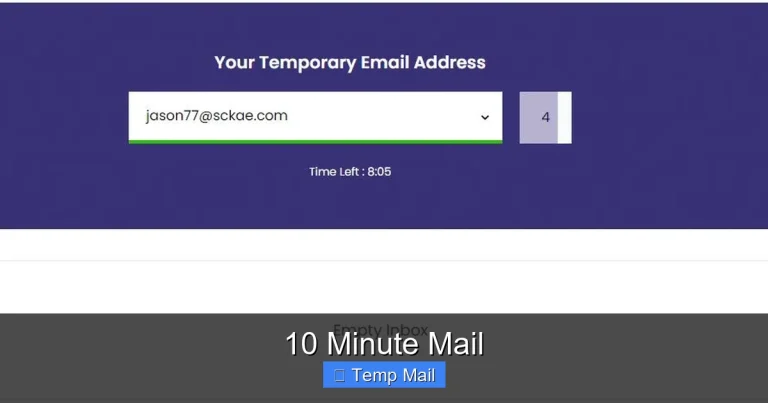
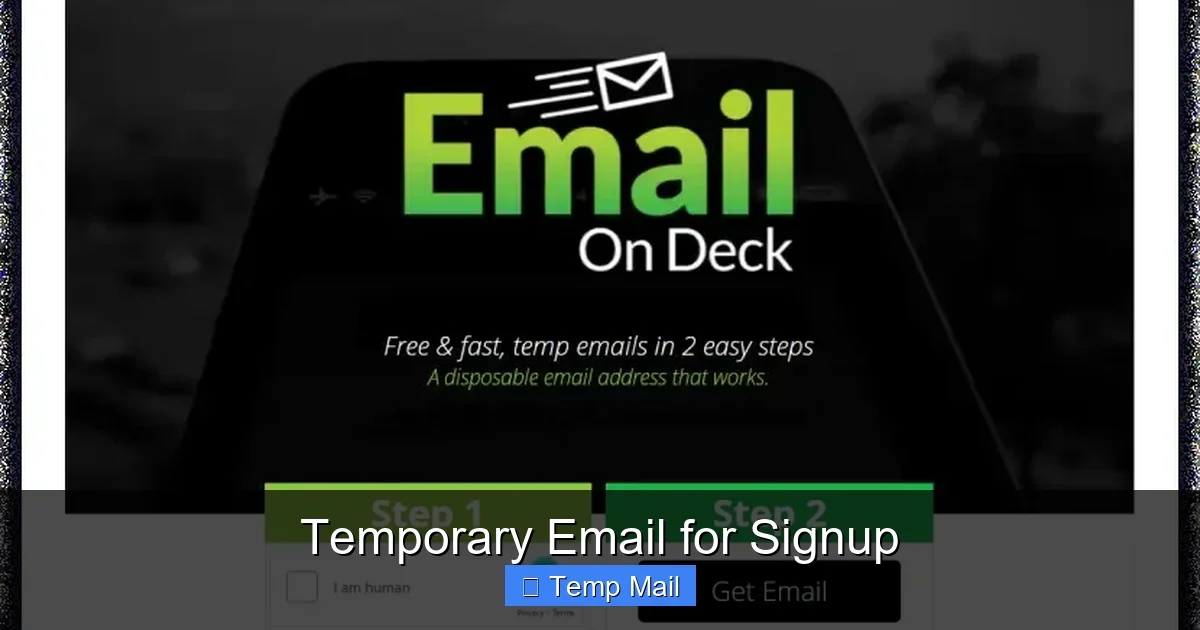
First, you navigate to a provider’s website like Temp-Mail.org, 10MinuteMail.com, or Guerrilla Mail. Immediately, the site generates a random email address for you, something like j7x9k2@domain.com. That’s it. No username, no password, no personal details. The webpage you’re on now displays a basic inbox interface linked to that specific, randomly generated address. Any email sent to j7x9k2@domain.com will pop up right there on your screen in real-time.
You copy that address, paste it into the signup form of the website or service you’re trying to access, and submit. When that site sends a verification email or a download link, it routes to the temporary service’s servers. You simply refresh the temporary inbox page, and the email appears. You click the link or download the file, complete your task, and then you close the browser tab. That’s the entire lifecycle. The address and all its emails will typically vanish from the provider’s servers within 10 minutes to 48 hours, depending on the service’s policy.
The Technical Underbelly: Public Inboxes & Shared Domains
It’s crucial to understand a key technical reality: these inboxes are not private. The email address is randomly generated, but the inbox itself is public to anyone who knows that exact address. If someone else on the internet happens to guess or generate the exact same random address (a rare but possible event with some older systems), they could see your emails. More commonly, because the service uses a limited set of domain names (like @tempmail.com or @10minutemail.com), many inboxes exist under the same domain. The separation is purely by the random username part. This public nature is why you must never, ever use a temporary email for anything containing personal, financial, or login credentials for important accounts.
The Clear Benefits: Why You Should Consider Using a Temp Mail
Knowing how it works is one thing; understanding why it’s useful is another. The advantages of using a disposable address for signups are compelling and directly address common internet frustrations.
Visual guide about Temporary Email for Signup
Image source: res.cloudinary.com
Primary Benefit: An End to Primary Inbox Spam
This is the numero uno reason people seek out temporary email. Every time you use your real email to sign up for a service, you enter a relationship. Even if you unsubscribe later, your address is often sold or leaked. A temporary email is a one-night stand for your digital identity. The promotional emails, newsletters, and “special offers” go to an address that will self-destruct, leaving your primary inbox pristine. It’s a proactive spam filter that works at the source.
Enhanced Privacy and Anonymity
In an era of pervasive tracking, every data point matters. Your email address is a golden key that links your activity across countless sites. Using a different, disposable address for different purposes creates fragmentation. A temp mail address severs that link completely. You can sign up for that gaming forum, that discount coupon site, or that controversial news comment section without leaving a traceable email breadcrumb back to your real identity. For journalists, activists, or anyone needing to access information discreetly, this anonymity is invaluable.
Bypassing Gated Content Without Commitment
How many times have you wanted a single whitepaper, a template, or a research report but been stopped by a form demanding your email? Companies use this as a lead generation tactic. Using a temporary email lets you bypass this gate ethically. You get the resource you need immediately, and the company gets a valid (but disposable) email for their metrics. No long-term obligation, no clutter. It’s a fair exchange for free content.
Safe Testing for Developers and Testers
For software developers, QA testers, or UX researchers, creating multiple test accounts is a constant need. Using a disposable email service streamlines this process massively. Instead of creating and managing dozens of Gmail accounts, a tester can generate a new temporary address for each test case, verify the account, perform the test, and move on. It’s efficient and keeps test accounts completely separate from real user accounts.
When NOT to Use a Temporary Email: Critical Limitations and Risks
Now for the equally important part. Temporary email is a tool with a very specific purpose. Using it for the wrong job can lead to real problems, from lost access to security vulnerabilities.
Visual guide about Temporary Email for Signup
Image source: cdn.pseo.one
The Ephemeral Nature: You Will Lose Access
The defining feature is also its greatest flaw. The inbox is temporary. Once the timer expires or you close the browser session (depending on the service), the address and all its contents are gone forever. There is no password recovery, no “forgot address” option. If you use a temporary email to sign up for a service you later decide you love and want to keep using, you are locked out. You cannot reset the password because the reset email goes to an address that no longer exists. You have effectively created an account you can never log into again. This makes temp mail suitable only for interactions you are certain you will not need to revisit.
Security is Often an Afterthought
Most free temporary email providers do not use end-to-end encryption. The emails are stored in plain text on their servers. While the provider’s goal is to be a neutral conduit, a malicious actor compromising the provider’s system, or even a rogue employee, could read all emails passing through. Therefore, never use a temporary email for:
- Signing up for banking, payment services (PayPal, Venmo), or cryptocurrency exchanges.
- Any account involving government IDs, tax documents, or official communications.
- Password recovery for your important accounts (this creates a vicious cycle).
- Communications containing sensitive personal data like Social Security numbers, confidential business info, or private health data.
Many Websites Actively Block Disposable Domains
The cat-and-mouse game is real. Major platforms and services that value security and user accountability—think Google, Microsoft, Facebook, Twitter, most banking sites, and even many e-commerce stores—maintain and constantly update lists of known disposable email domains. During signup, their systems scan the domain part of your email address (the part after @). If it matches a blacklisted temp mail domain, you’ll receive an immediate error message like “Please use a valid email address.” This means for many legitimate, long-term services, a temporary email simply won’t work. You’ll be forced to use a real address anyway.
Practical Guide: How to Use Temporary Email Effectively and Safely
So, you’ve decided a disposable address is right for your next signup. How do you do it right? Follow this checklist to maximize benefits and minimize risks.
Step-by-Step: The Right Way to Sign Up
1. Choose a Reputable Provider: Not all temp mail services are created equal. Look for one with a clear privacy policy (even if minimal), a track record of reliability, and a user-friendly interface. Popular, long-standing options like Temp-Mail, 10MinuteMail, and Guerrilla Mail are generally safe for their intended purpose. Avoid obscure sites with excessive ads or pop-ups.
2. Generate Your Address: Visit the site. Your random address will be displayed prominently. Copy it to your clipboard.
3. Use It and Forget It: Paste it into the signup form. Complete the process, including clicking the verification link from the temporary inbox if required.
4. Extract What You Need: Download the file, save the coupon code, read the article. Get the value from the interaction.
5. Close the Tab: Once your task is complete, simply close the browser tab. Do not bookmark it or try to return later expecting the emails to be there.
Pro-Tips for Power Users
- Use a Different Provider for Different Needs: If you’re signing up for multiple sites in one session, consider using two different temp mail services. This prevents all your signups from being funneled through the same provider’s servers, adding a tiny layer of separation.
- Check the Lifespan: Before you start, glance at the provider’s stated inbox lifespan. Is it 10 minutes? An hour? 24 hours? Make sure it’s long enough for you to receive and click any verification link. Some services offer “extend” buttons if you need a few more minutes.
- Assume it’s Public: The golden rule. Treat the temporary inbox like a public bulletin board. Anything sent there is not confidential.
- Never Use for Account Recovery: This is so critical it bears repeating. If you sign up for a service with a temp email, you are accepting that you will lose access to that account forever. Do not use it for any service you might want to log back into.
The Bigger Picture: Digital Hygiene and Responsible Use
Using a temporary email for signup is more than a trick; it’s a component of good digital hygiene. It’s about consciously managing your digital footprint and understanding the value of your data. Your email address is a primary key to your online identity. Handing it out indiscriminately is like giving your house key to every store clerk who asks. A disposable email is like giving them a single-use token that only opens one specific, non-essential door.
Building a Layered Defense Strategy
Think of your online privacy in layers. Your primary, personal email is the innermost, most protected layer—used only for family, close friends, and critical financial or governmental services. Your secondary, “professional” or “public” email (a dedicated Gmail or Outlook address you check regularly) is the next layer, used for newsletters, online shopping, and less-critical accounts. The temporary email is the outermost, expendable layer—the first point of contact for any unknown or low-trust interaction. By compartmentalizing this way, a breach or spam flood in the outermost layer doesn’t contaminate your inner circles.
Ethical Considerations and the Long-Term View
While using a temp mail is perfectly legal and ethically sound for personal privacy, be mindful of a website’s terms of service. Some platforms explicitly forbid disposable emails in their ToS because they rely on email for user accountability and communication. Using one to circumvent a ban or to create numerous fraudulent accounts is misuse. The goal is to protect *yourself* from unwanted data collection, not to facilitate abuse of a platform. Use this power responsibly. Furthermore, as privacy regulations like GDPR and CCPA strengthen, the concept of “data minimization” (only providing the data strictly necessary) gains legal weight. Using a temporary email for a non-essential signup is a direct application of this principle.
Conclusion: A Powerful Tool in Your Privacy Toolkit
Temporary email for signup is a deceptively simple yet profoundly effective tool in the modern digital landscape. It directly counters the pervasive model of email address harvesting and the resulting spam deluge. By providing a sacrificial, anonymous inbox, it empowers you to interact with the web on your own terms, accessing resources and trials without committing your primary identity.
However, its power is narrowly defined. It is a tool for temporary, low-stakes interactions. Its limitations—the lack of security, the certainty of expiration, and the frequent blacklisting by major platforms—mean it cannot and should not replace your permanent email for any account of value. The savvy user treats it as a specialized instrument, like a credit card with a very low limit, to be deployed strategically and then discarded. In your journey to control your digital footprint, mastering the use of temporary email is a significant, practical step toward a cleaner inbox and a more private online experience. Use it wisely, understand its boundaries, and reclaim your email address from the spammer’s list.
Frequently Asked Questions
Is using a temporary email for signup safe?
It is safe for its intended purpose of receiving non-sensitive verification emails and avoiding spam. However, it is not secure for private communications, as most providers can read all emails sent to the address. Never use it for banking, password resets, or any transaction involving sensitive personal data.
Are temporary email services legal?
Yes, using disposable email services is completely legal in most jurisdictions. They are legitimate tools for privacy protection. However, using them to commit fraud, bypass bans, or send illegal content is, of course, illegal. The service itself operates within the law.
What’s the difference between a temporary email and a regular email?
The core difference is longevity and ownership. A regular email (Gmail, Outlook) is a persistent, private account you own with a password, offering storage, security features, and access from any device. A temporary email is a public, randomly generated inbox on a provider’s website with no login, that self-destructs after a short time, and is accessible to anyone who knows the address.
How long do temporary email addresses last?
It varies by provider. Some last just 10 minutes (10MinuteMail), others 1 hour, and some up to 48 hours. The lifespan is always clearly stated on the service’s page. Once the time expires, the address and all its emails are permanently deleted from the server.
Can websites detect and block temporary emails?
Yes, absolutely. Most major platforms (social media, email providers, banks) and many smaller sites use services or maintain their own lists of known disposable email domains. If you try to sign up with an address from a blocked domain, you will receive an error message and be prevented from creating the account.
Should I use a temporary email for important accounts like social media or banking?
Never. This is the cardinal rule. You will be unable to recover your account if you lose access, as password reset emails will go to an expired address. Furthermore, these services require verified, stable identities and will almost certainly block a disposable domain during signup. Use your permanent, secure email for any account you need to maintain long-term.